Moneris® Go Plus: Using Your Terminal 40
Void
Perform a void when a Purchase has been entered incorrectly and needs to be cancelled and re-done.
If you have more than one terminal, you must process the void on the same terminal as the original
transaction.
The whole transaction will be voided -- you cannot perform a partial void.
Only transactions in the current batch can be voided. For example, if the purchase transaction that you want
to void is in a batch that is already closed, perform a refund instead.
Use the Report screen to void a purchase.
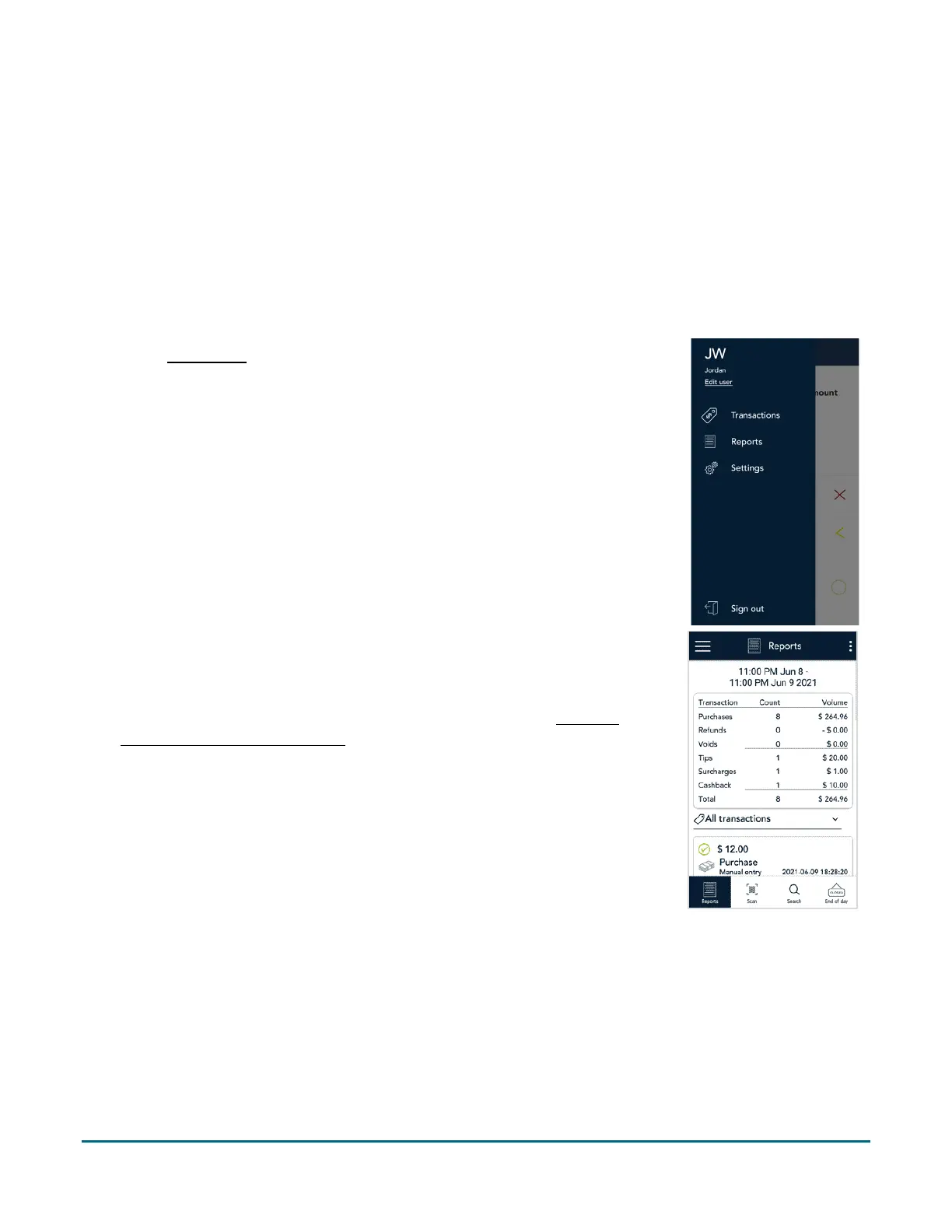
1. At the Main menu
, tap Reports.
2. Tap the transaction you want to void. If needed, tap the All transactions
dropdown menu and select the type of transaction you are looking for.
You can also tap Scan to scan the QR code from a receipt or tap Search to
look for the transaction to be voided. For instructions, refer to
Finding a
transaction using Scan or Search (page 51).



 To Next Page