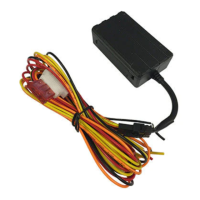
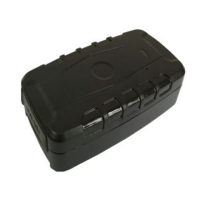
VT900
GPS VEHICLE TRACKER
Thank you for purchasing this Mongoose GPS tracker.
To ensure correct operation please read this manual before use and see our FAQ’s on our website.
SIM CARD INSTALLATION
IMPORTANT: The trackers 3G mobile SIM card
must be activated by the provider and be capable
of text and data.
Data only SIM cards are not compatible
Please test the SIM card in a mobile phone before
inserting into the tracker to ensure it is working. Can it
send/receive texts, phone calls and get onto the
internet ? Has it sufficient credit if PrePay type?
•
Do not make any power connections at this time
•
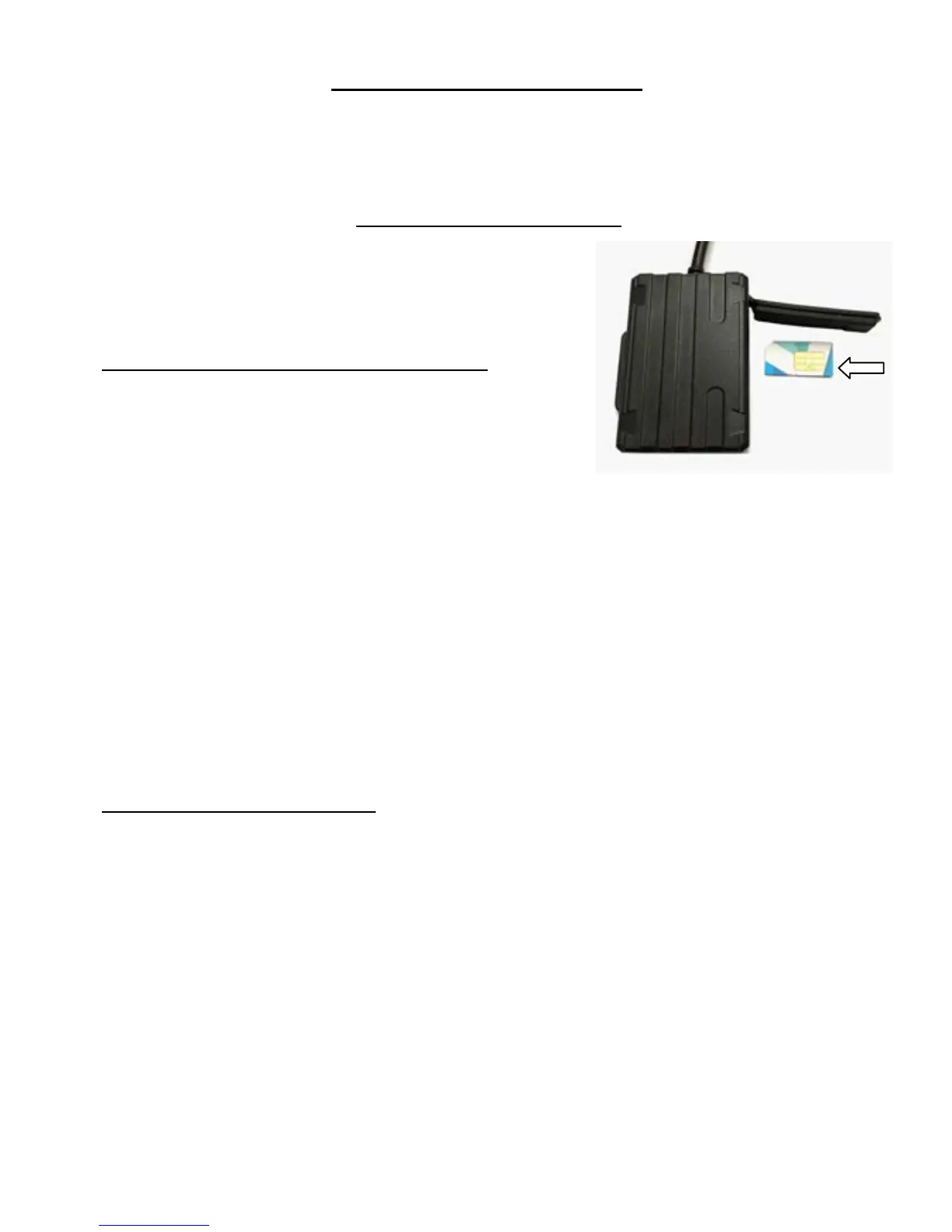
Insert the SIM card correctly, as shown. It will click into place.
•
Install the tracker – see page 14
•
Observe the blue and green LED’s next to the SIM card slot – see below
•
Fully replace the rubber cover to ensure a good seal.
NOTE: Inserting the SIM card turns on the trackers battery back-up.
If not using the tracker or disconnecting it, always remove the SIM card.
Continual discharging will damage the battery and void product warranty.
LED’s
(under the rubber cover)
Green LED
— Mobile communication
Unlit Mobile reception is off
Lit solid Searching for signal and/or GPRS transmission
Flashing once every 3 sec’s Working normal
Blue LED
– GPS satellite reception
Unlit GPS off
Lit solid Searching
Flashing once every 3 sec’s Working normal



 To Next Page