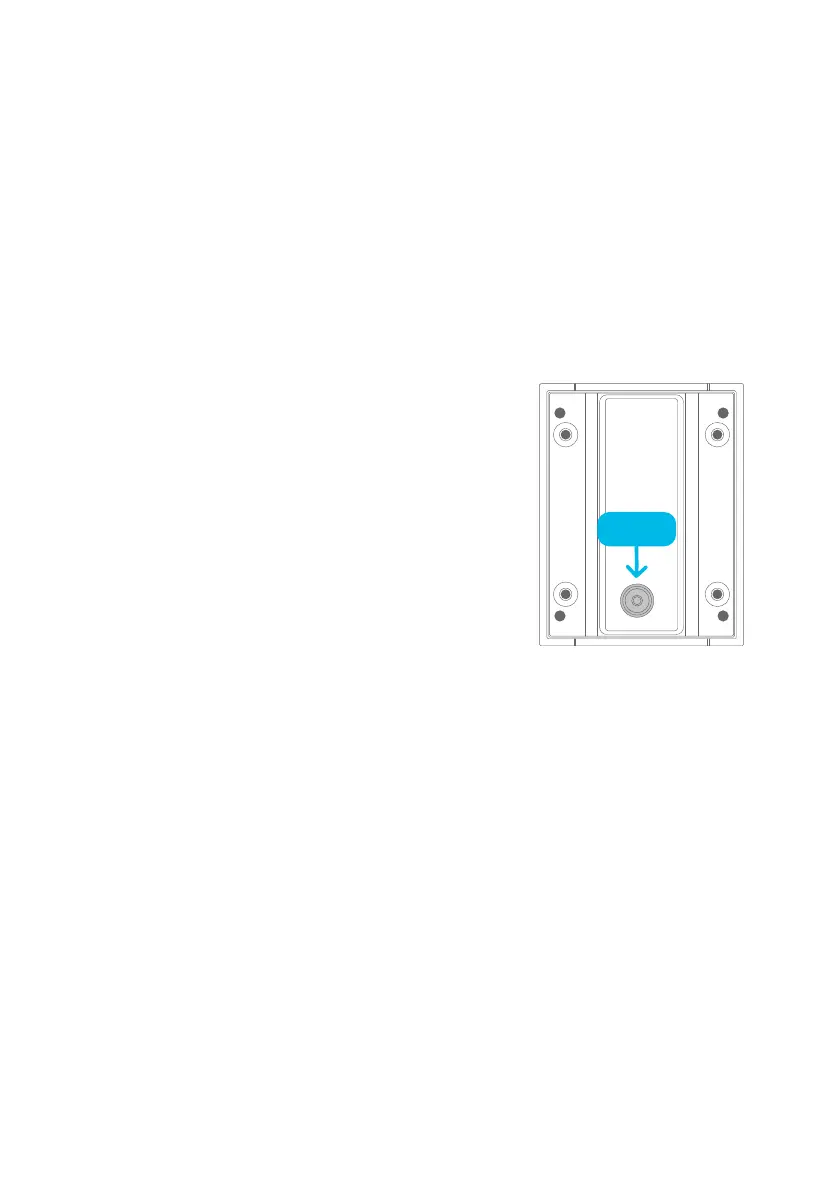
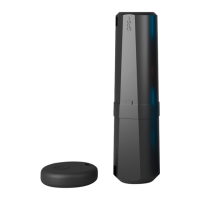
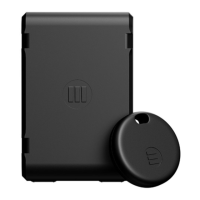
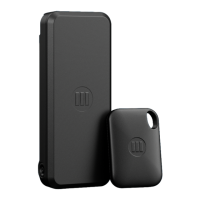
1. Find the reset button as shown in this graphic (if
Cycloop is installed on your bicycle you will need
to remove it to access the reset button).
2. Press and Hold the Reset button for at least 12 seconds -> 1 LED on the side
with the little ‘lock’ symbol will turn SOLID BLUE - then it will briefly turn
OFF (DO NOT use anything sharp to press the reset button, otherwise
waterproofing could be damaged)
3. Hold the button until the LED displays FLASHING BLUE - then release the
reset button - it will briefly display SOLID BLUE and then turn OFF.
4. Then LED’s should flash RED sequentially clockwise followed by all 4 LED’s
gradually pulsing brighter and dimmer (indicating successful reset to Default
Settings).
Protip: the included hex key can be used to
push the reset button
RESTORING
DEFAULT SETTINGS
R
E
S
E
T
PRESS


 To Next Page