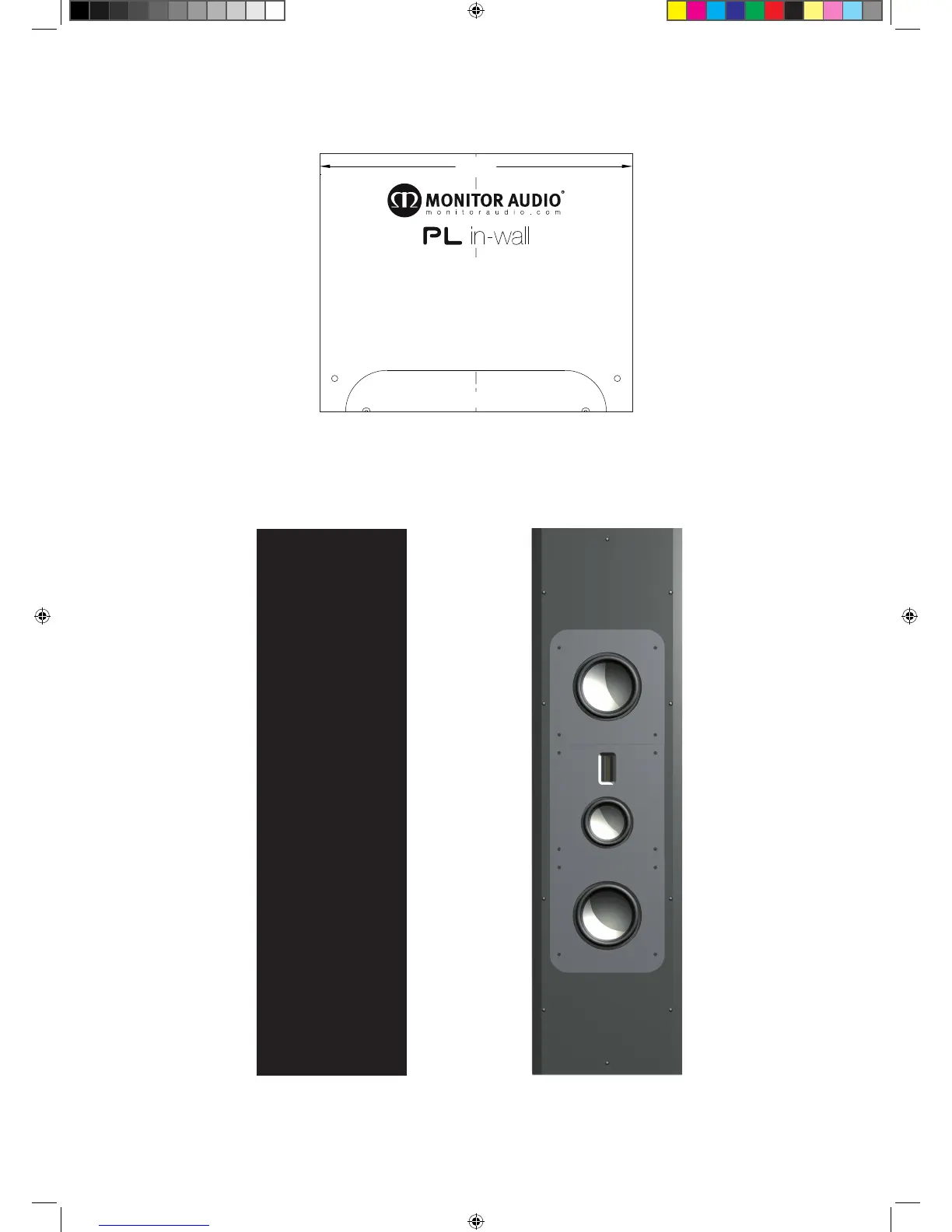
In the Box
302
How to use this Template (Vertical orientation)
Cut out Dimensions: 302 x 1179mm (11 7/8 x 46 7/16”)
1. Place this template at the proposed top edge of the PL IW.
2. Measure and mark 680mm from the bottom edge of this template.
3. Remove, rotate and re-use this template to mark the bottom of the cut out area.
4. Join the vertical lines to complete the cut out area.
How to use this Template (Horizontal orientation)
Cut out Dimensions: 302 x 1179mm (11 7/8 x 46 7/16”)
1. Place this template at the proposed left edge of the PL IW.
2. Measure and mark 680mm from the bottom edge of this template.
3. Remove, rotate and re-use this template to mark the bottom of the cut out area.
4. Join the vertical lines to complete the cut out area.
BOTTOM
Template
Grille
Platinum In Wall
PL IW Manual.indd 2 14/12/2010 12:04:36



 To Next Page