5.Upgrade firmware
About upgrading firmware, mainly to allow supports
some new features or fix some BUG, it is an important
aftermarket product support means. A good product is
capable of continuous appreciation or hedging products.
Spend the same money to buy more and more, or improve
the function, rather than developing completely on the
matter.
Upgrade method is as follows:
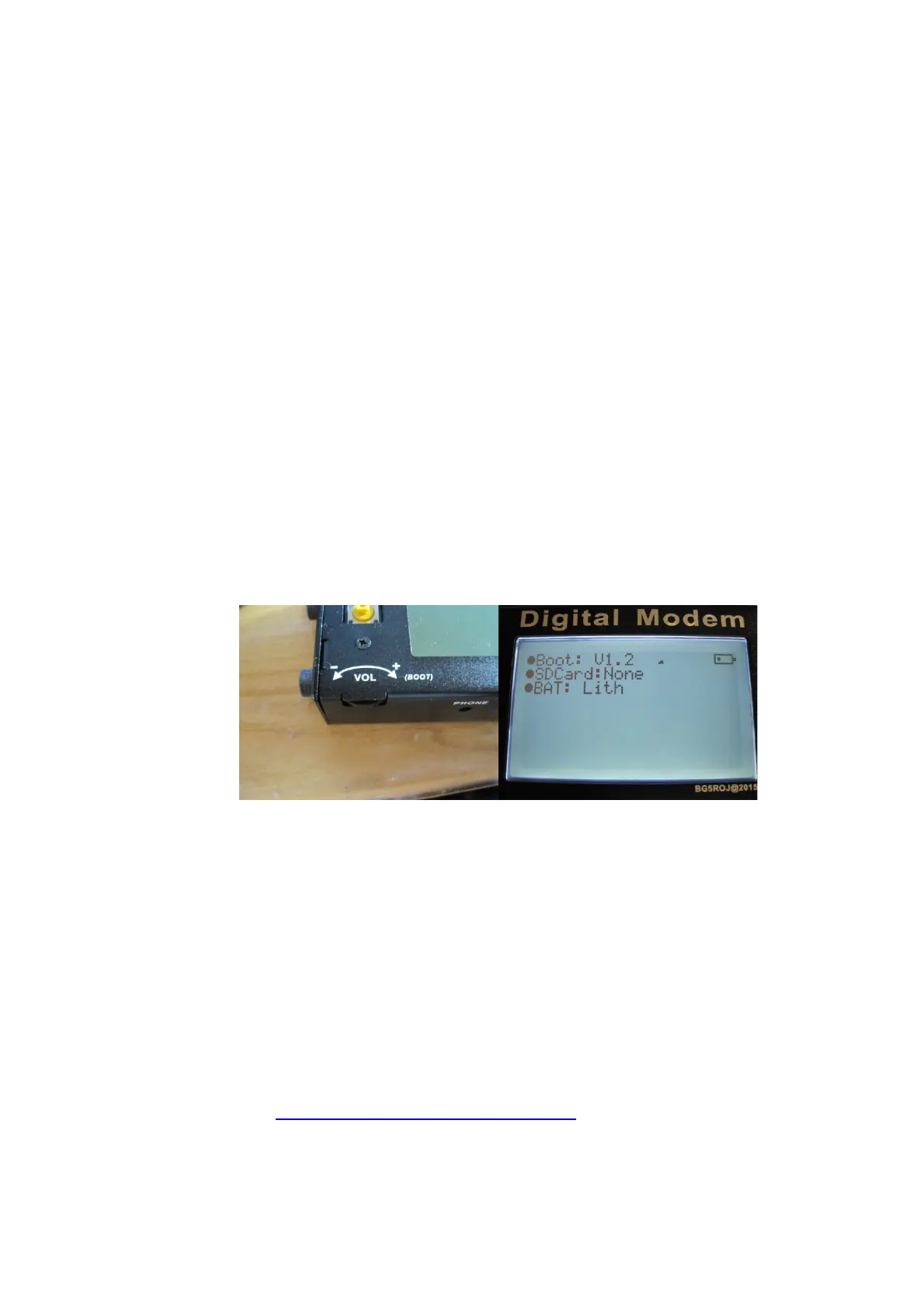
1.> Turn Vol pot to the right, Enters upgrade interface.
2.>Connecting your computer by USB cable.
select USB enabled, click connect shows on Figure
1.
3.>Load latest HEX file, shows on Figure2
4.>Flash into new firmware。Shows on Figure3
Latest Firmware can be downloaded
At HTTP://BG5ROJ.3322.ORG:88),
5.>Wait for a prompts OK, the upgrade is
第 16 页


 To Next Page