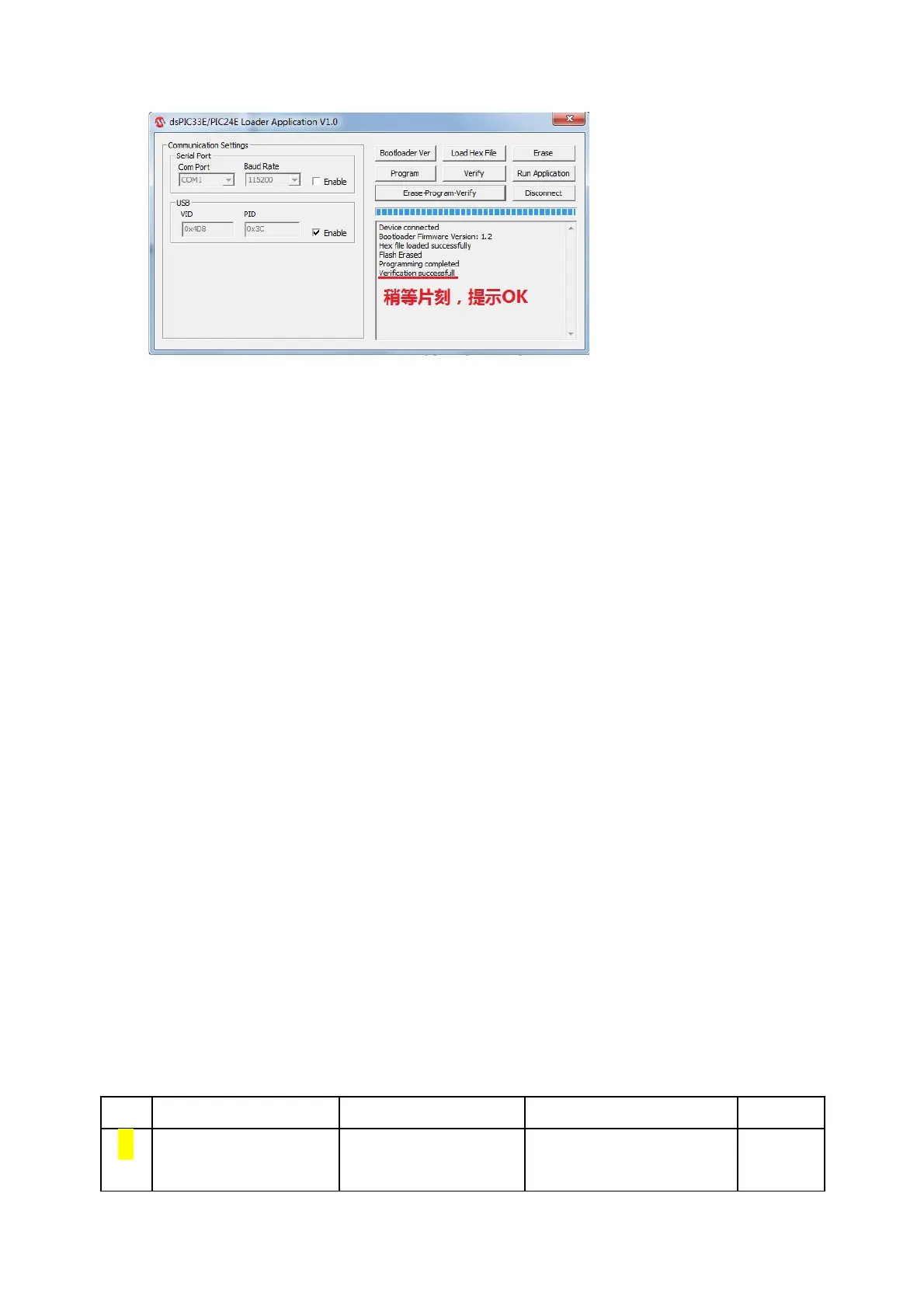
Appendix 1. Configure Menu
Press B1 for 1~2 S enters CONFIG menu(
Tab
),rotate coder(
↑↓
)to
choose,tap B1(
Enter or →
)confirm,Tap B2(
ESC or ←
)cancel。
Menu structure:
Digital mode: BPSK31 BPSK63 RTTY …
Input signal:
External Data(default)
Internal Mic
External IQ
Internal TRX
SQL Threshold
Input Gain(Page Up/down)
TBD
Backlight adjustment
Beacon interval
Export config to file
(Del/ Ctrl+Del:delete/delete all)
(Del/ Ctrl+Del:delete/delete all)
RTCC Display ON/OFF
RTCC Display format
CW ID ON/OFF
CW auto Keyer mode
CW paddle reverse
Force charge on battery.
Reset all setting and macro.
Appendix 2. Keyboard hotkey
--- ALT CTRL SHIFT
B CW Bandwidth Insert beacon sn
to macro
第 18 页


 To Next Page