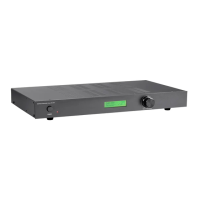
Display
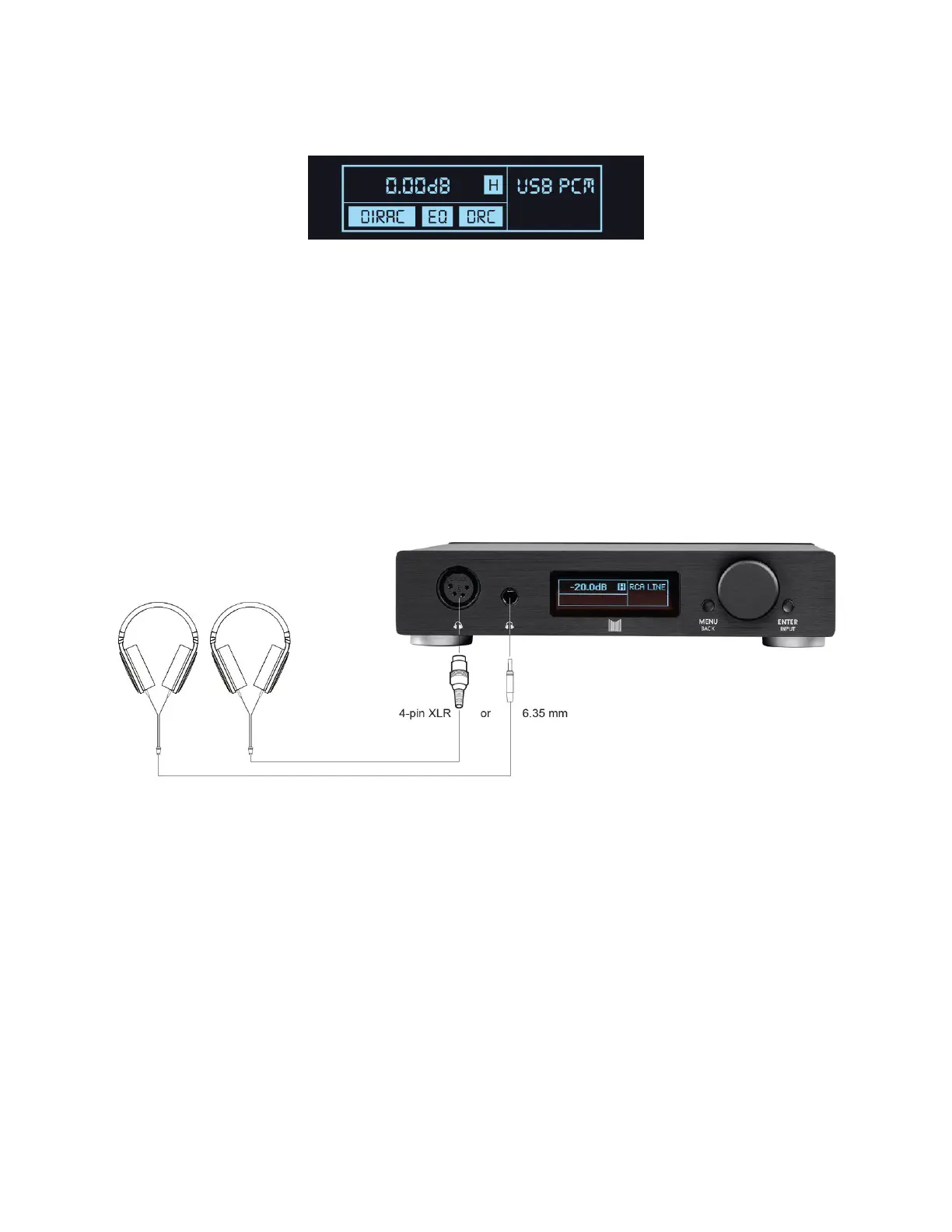
The Home Screen of the display shows the volume level in decibels (dB), the
selected input, and any selected options.
CONNECTIONS
Headphones Output
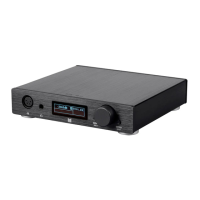
You can connect your headphones to the Desktop Headphone Amplifier using either an
unbalanced 1/4" (6.35mm) TRS plug or a balanced 4-pin XLR connector.
If your headphones use a 3.5mm TRS plug, you will need a 3.5mm-to-1/4" adapter,
such as the Monoprice 7139 adapter (available separately).
You cannot use both the balanced XLR and unbalanced 1/4" TRS headphone outputs
at the same time. When a 1/4" plug is inserted, the XLR output is muted.
When plugging or unplugging a 1/4" connector, completely insert or remove the
connector in one quick, smooth motion. Because of the design of the plug, keeping
the connector plugged in half way can cause a short circuit between the left and
right output channels and may trigger the short circuit protection feature.


 To Next Page