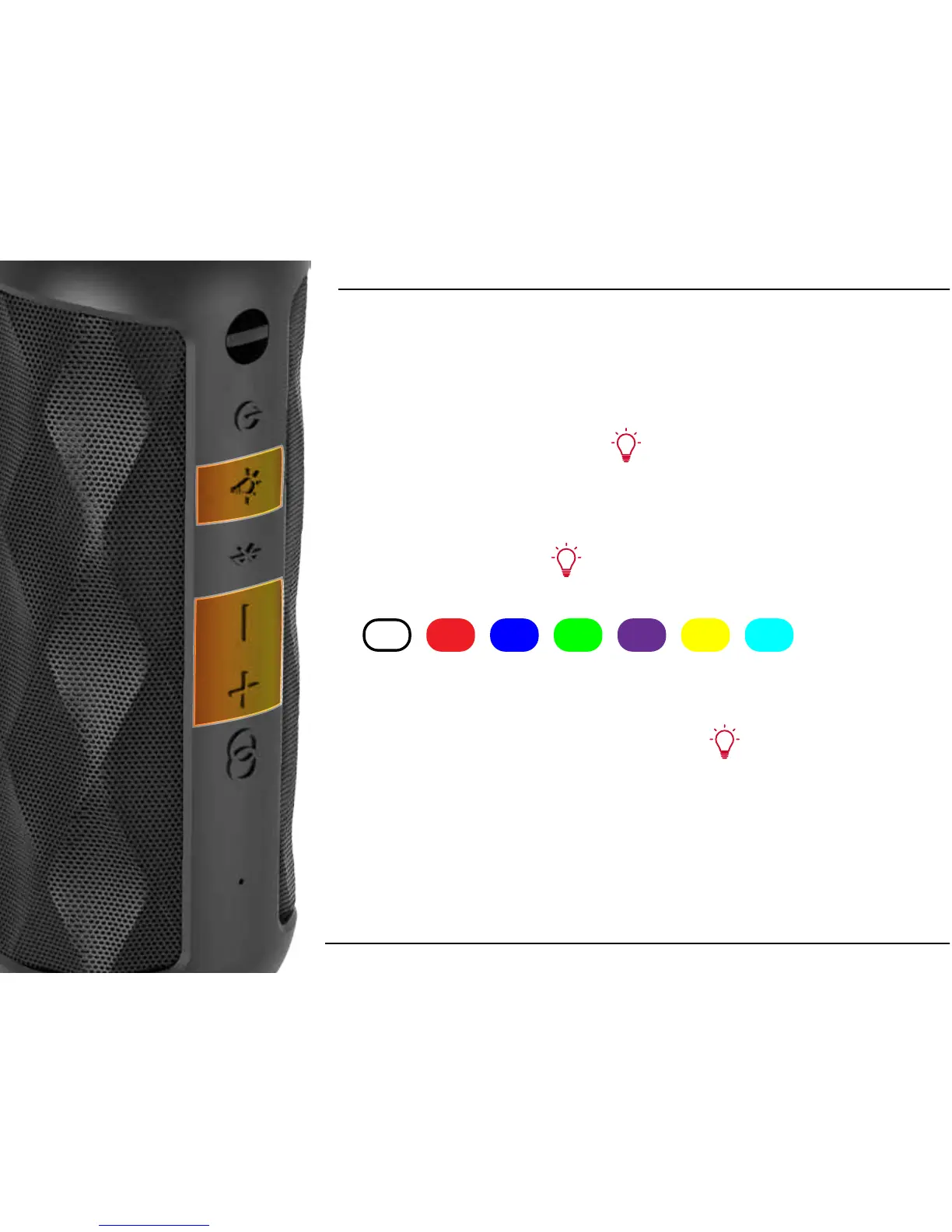
LED LIGHT FUNCTIONS
Turning Light ON/OFF
Press & Hold the Light button to turn the LED lights on or o.
Changing Colors
Press the Light button to cycle through the
dierent colors available.
Changing Light Brightness
While Pressing & Holding the Light button, Press the Volume
Up button + to increase brightness, or Press the Volume Down
button - to decrease brightness.
10












 To Next Page