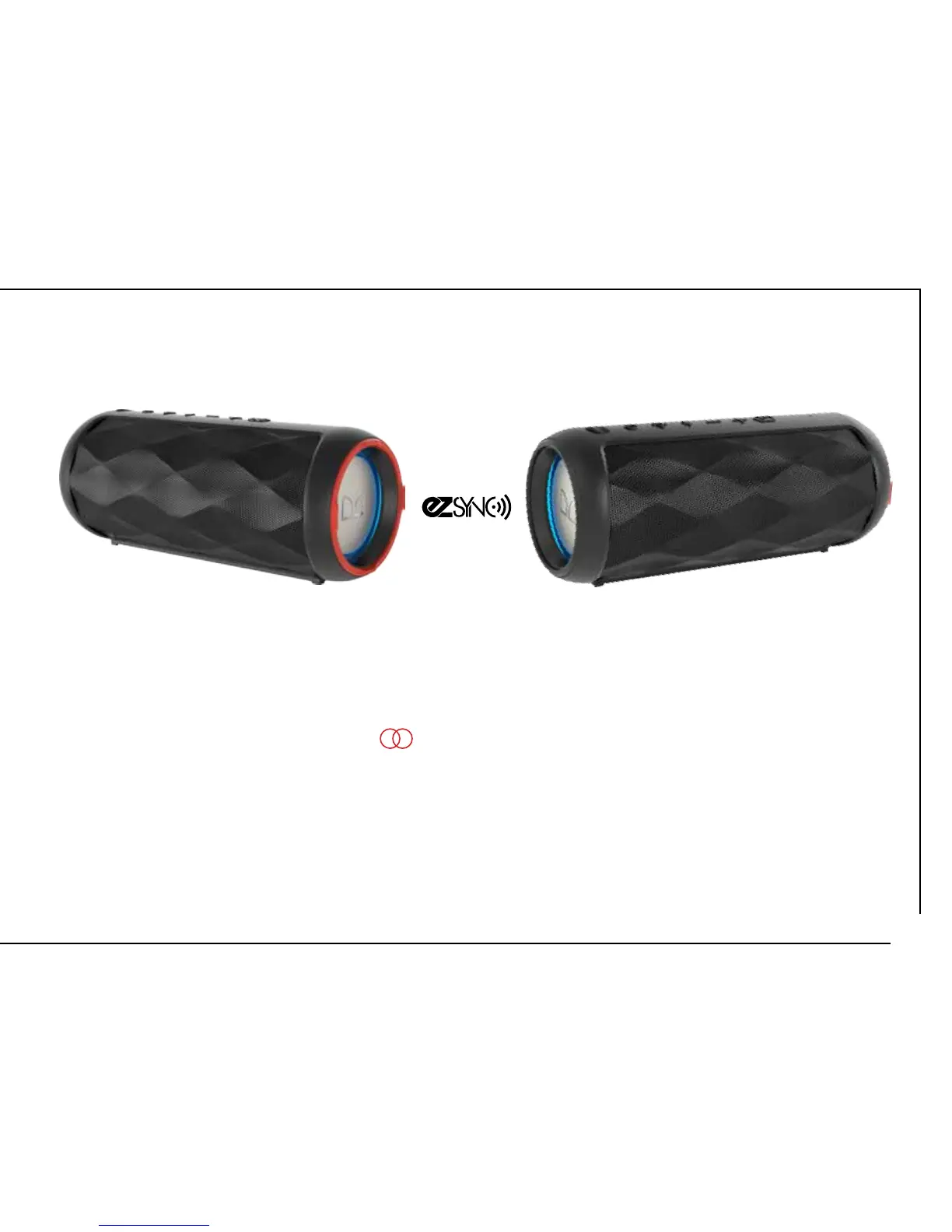
Connect with EZ-SYNC
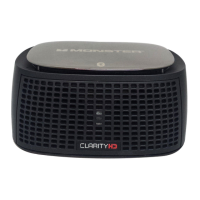
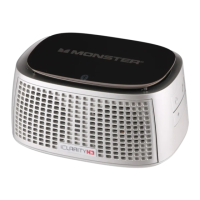
1. Connect music device to one speaker via Bluetooth, this will be the Transmiting speaker.
(page 9 for reference)
2. Press and Hold the EZ-SYNC button for 3 seconds on the Transmitting speakers
to enter sync mode (WHITE LED next to EZ-SYNC button will flash). Transmitting speaker will
automatically search for the nearest EZ-SYNC compatible speaker to connect to.
3. Both speakers are connected when EZ-SYNC light stays solid.
4. Speakers can be no further than 30ft apart for EZ-SYNC to work
EZ-SYNC CONNECTION
11









 To Next Page