EasyManua.ls Logo

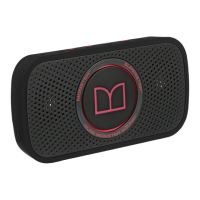
Monster SuperStar - Power Control; Power Indicator; Audio Input Ports; Passive Radiator

Monster SuperStar
11 pages
Print Icon
To Next Page IconTo Next Page
To Previous Page IconTo Previous Page
Loading...
When you reach
the
maximum
volume
using
the
controls on your
SuperStar™,
the
Power Indicator
LED
will rapidly flash red. Likewise,
when
you reach
the
minimum
volume using
the
controls on
your
SuperStarrM,
the Power Indicator
LED
will rapidly flash red.
0 Power
Press
and hold for
about
3 seconds
to
turn
the
power
On/Off.
Note:
Auto
off
mode: The
unit
will automatically
power
off
after
60
minutes
if
no charging cable
is
attached. The
unit
will stay on
if
you're playing music
or using
the
phone.
0 Power Indicator
Solid Red =
ON
Fast Flash =
LOW
BATTERY
Slow
Flash=
CHARGING.
TURNS
SOLID
RED
WHEN
FULLY
CHARGED
[D
&'~~~
,J
o-~
-~~·
.,
...........
-
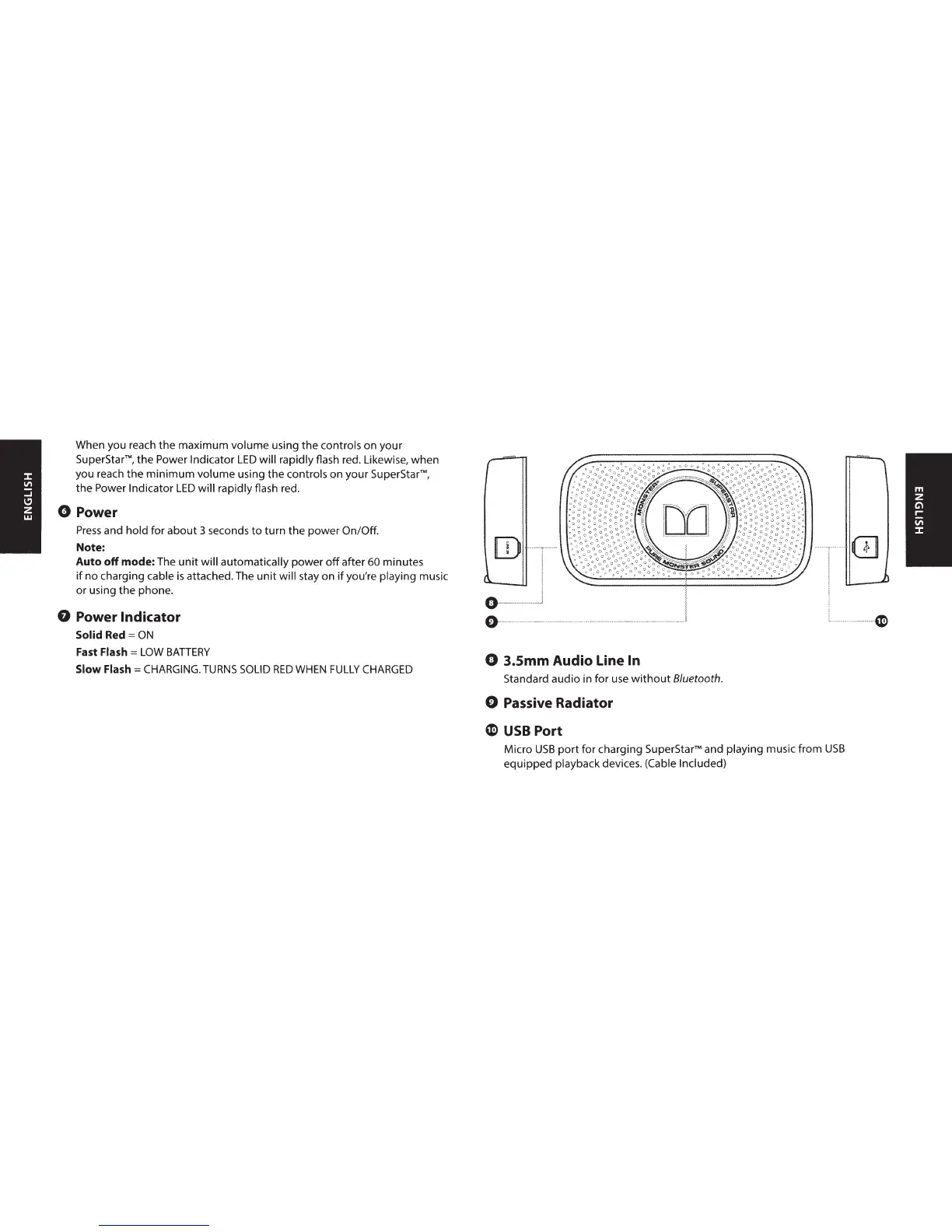
0 3.Smm Audio Line In
Standard audio in for use
without
8/uetooth.
0 Passive Radiator
C
USB
Port
Micro
USB
port
for charging
SuperStarrM
and playing music
from
USB
equipped playback devices. (Cable Included)
(}]
······~

Related product manuals