Enter Loop Mode
Hold down [PATCH –] and [PATCH +] footswitches
together longer than 2 seconds to enter Loop mode,
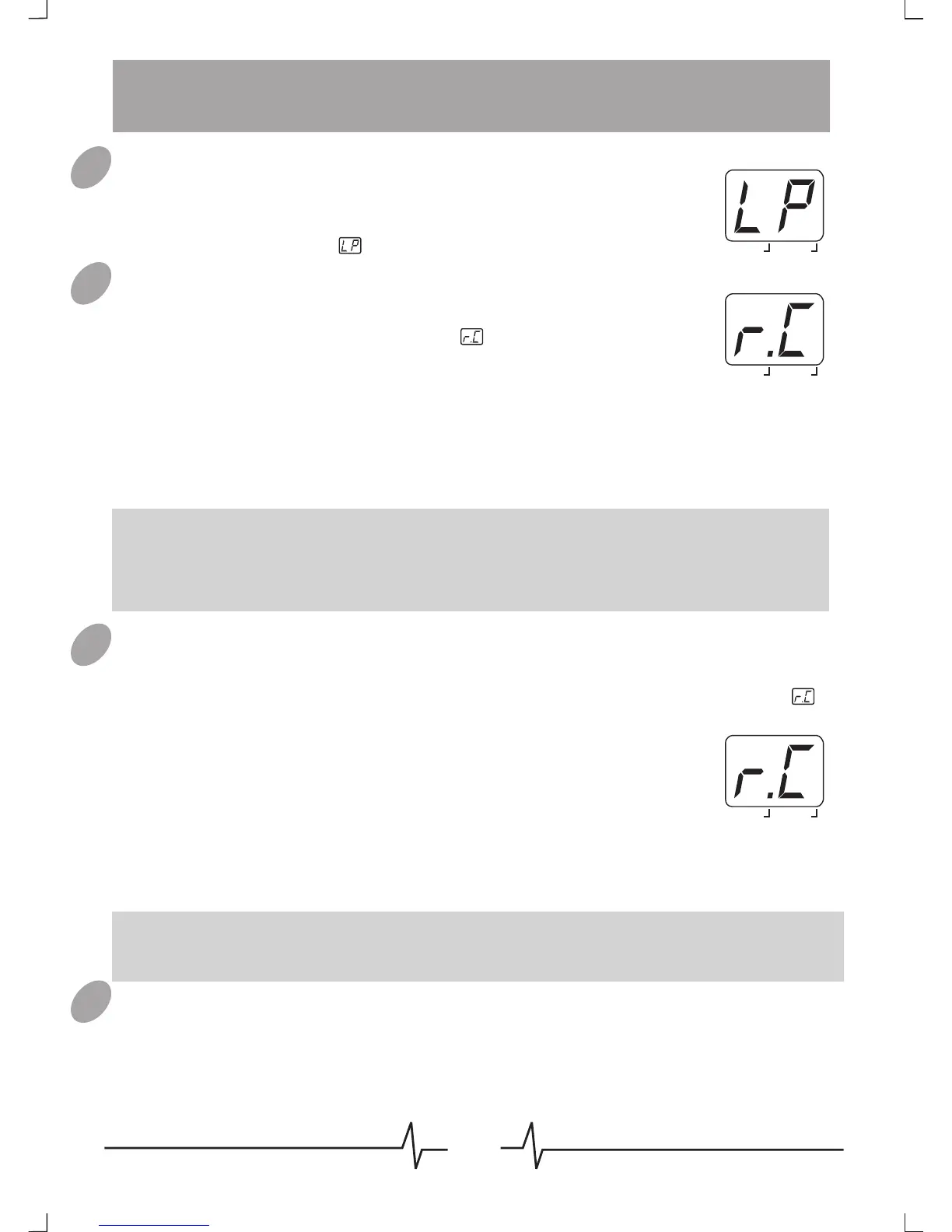
LED display will show .
Loop Recording
When in Loop mode, press [PATCH-] / [REC ] /OVERDUB
footswitch once to start recording, will appear
o n the LED display and last flashing.
During first time recording, press [PATCH-] / [REC ] footswitch /OVERDUB
again to set the loop end, recording will be stopped and turn to loop
playback; press [PATCH+] footswitch can also set the loop end but the
Note: The maximuem recording time is 16 seconds, the loop end will be set
immediately once the first recording time go beyond 16 seconds.
Note: Only the MIC IN singal can be recorded.
BANK PATCH
EDIT
BANK PATCH
EDIT
Overdub
When a loop is already recorded, no matter it is stopped or in playback,
press [PATCH-] / [REC/OVERDUB] footswitch to start overdubbing,
will flashing on the LED display again.
You can record a loop and overdub it again and again, there is no limit of
overdubbing times .
Note: Once the overdubbing time go beyond the loop length, a new overdubbing
will begin automatically from the loop start.
Delete Loop
If VEM Box have a recorded loop data, a dot (.) will appear in the middle
bottom of LED display. Hold down VALUE button longer than 3 seconds
01
02
03
04
while the loop is in the stop status, the loop data will be deleted and the
dot (.) will disappear as well.
16
BANK PATCH
EDIT
loop will be stopped.
During overdubbing, press [patch-] / [REC/OVERDUB]
footswitch will stop overdubbing and turn to playback,
then press [patch-] / [REC/OVERDUB] footswitch again
will do another overdubbing.
DATA
DATA
DATA
Loop Functions



 To Next Page