the setting up the master volume, master volume of VEM Box (when
08
Operation
Patch Selecting
Power On
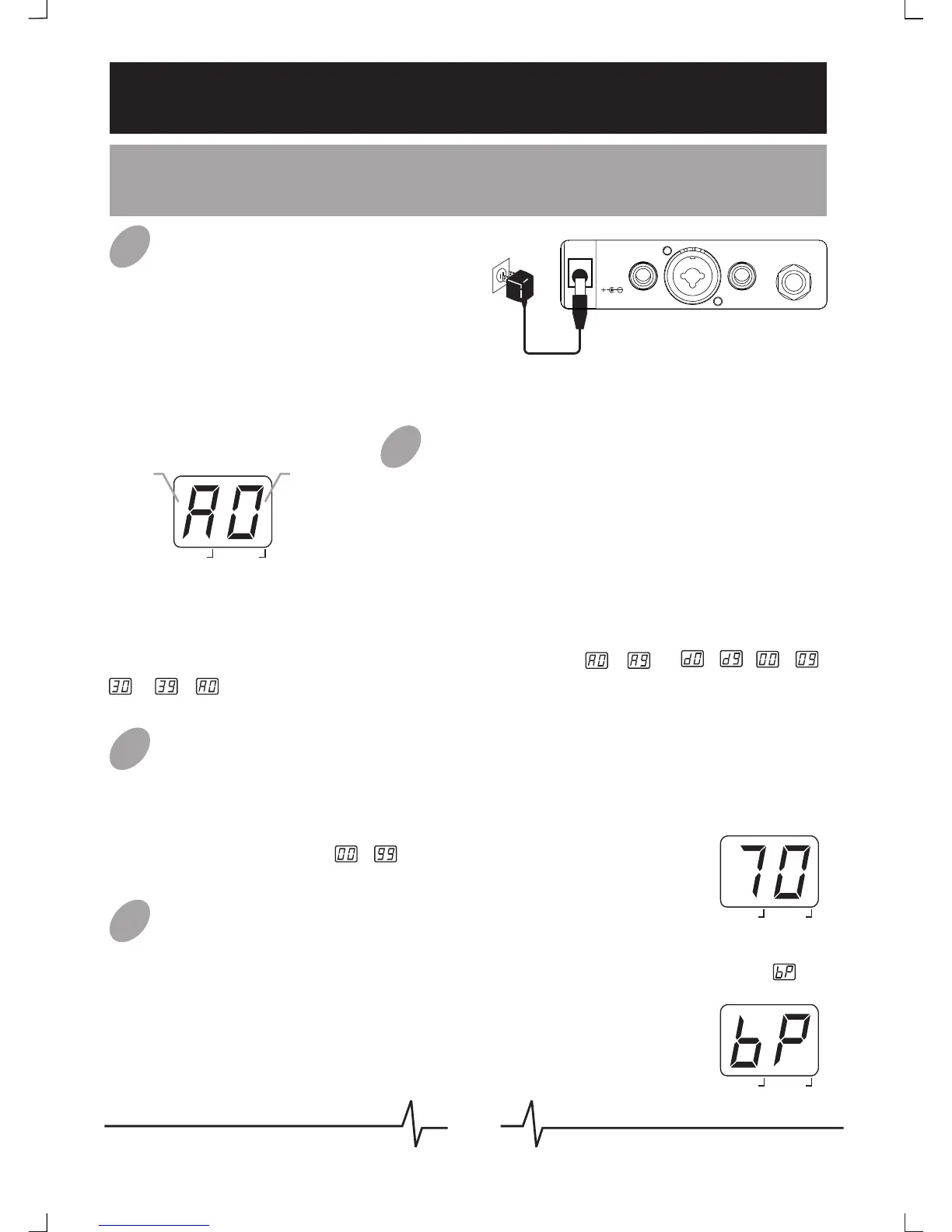
Plug the cable of AC Adapter
(9V, 300mA, center minus) into
the [DC 9V] Jack, when using
batteries, plug the Mic cable
into [MIC IN] this jack will turn
the device on.
Selecting Patches
Set the Module Selector to [PATCH],
the LED display will show the information
of bank and patch number, step on
[PATCH +/-] footswitch to change patches
(Hold one footswitch to switch patches
quickly).
Pressing [PATCH +] footswitch time and again (or holding [PATCH +]
footswitch) cycles through patches in the order ~ ... ~ , ~ ...
~ , Pressing or holding [PATCH -] footswitch will switch patches in
the opposite order.
Adjusting the master volume
Set the Module Selector to [PATCH], rotate [VALUE] knob to adjust
LED display will show the current level). The range of
master volume is ~ , 70 is the default value.
01
03
02
BANK PATCH
EDIT
footswitches together to enter bypass mode. LED will display ,
Entering Bypass Mode
When in PATCH mode, press both [PATCH –] and [PATCH +]
and all of the effects will be turned off.
04
BANK PATCH
EDIT
[PHONES]
INST.THRUDC9V INST.IN
OUTPUT
MIC IN
DATA
DATA
BANK
Bank
name
Patch
PATCH
name
EDITDATA



 To Next Page