13
Patch Storing/Copying
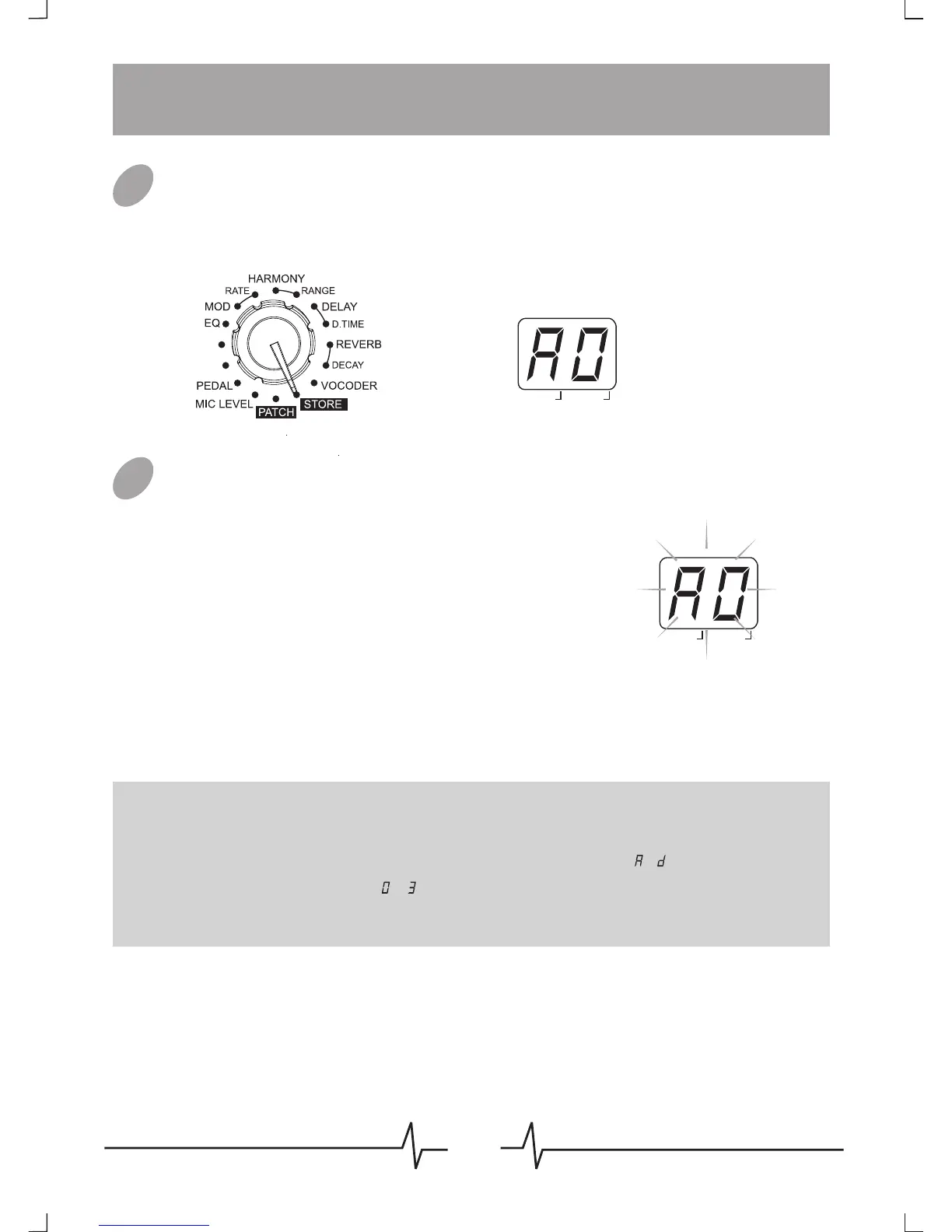
Enter Storing Mode
Set the Module Selector to [STORE] to enter storing mode, the
display will show the current editing patch’s number.
Storing/Copying Patch
When in [STORE] mode, press [VALUE]
button once to do the storing, the patch’s
number on the display will begin to flash, at
that time, rotate [VALUE] knob or press
[PATCH -] / [PATCH +] footswitch to
change patch number, when you got the
expectant position, press [VALUE] button
again to confirm the patch storing, the
patch’s number on the display will stop
flashing.
01
02
BANK PATCH
EDIT
Note: To cancel the store process, rotate the Module Selector to another
position, well then the patch will not be saved.
Note: An edited patch can be stored in a user bank ( ~ ), it can not be
stored in a preset patch ( ~ ).
Note: Storing an existing patch in another location can create a copy.
DATA
TRANS
PREAMP
BANK PATCH
EDITDATA



 To Next Page