1
according to the set running capacity or flow rate. If the set time period does not contain the current time,
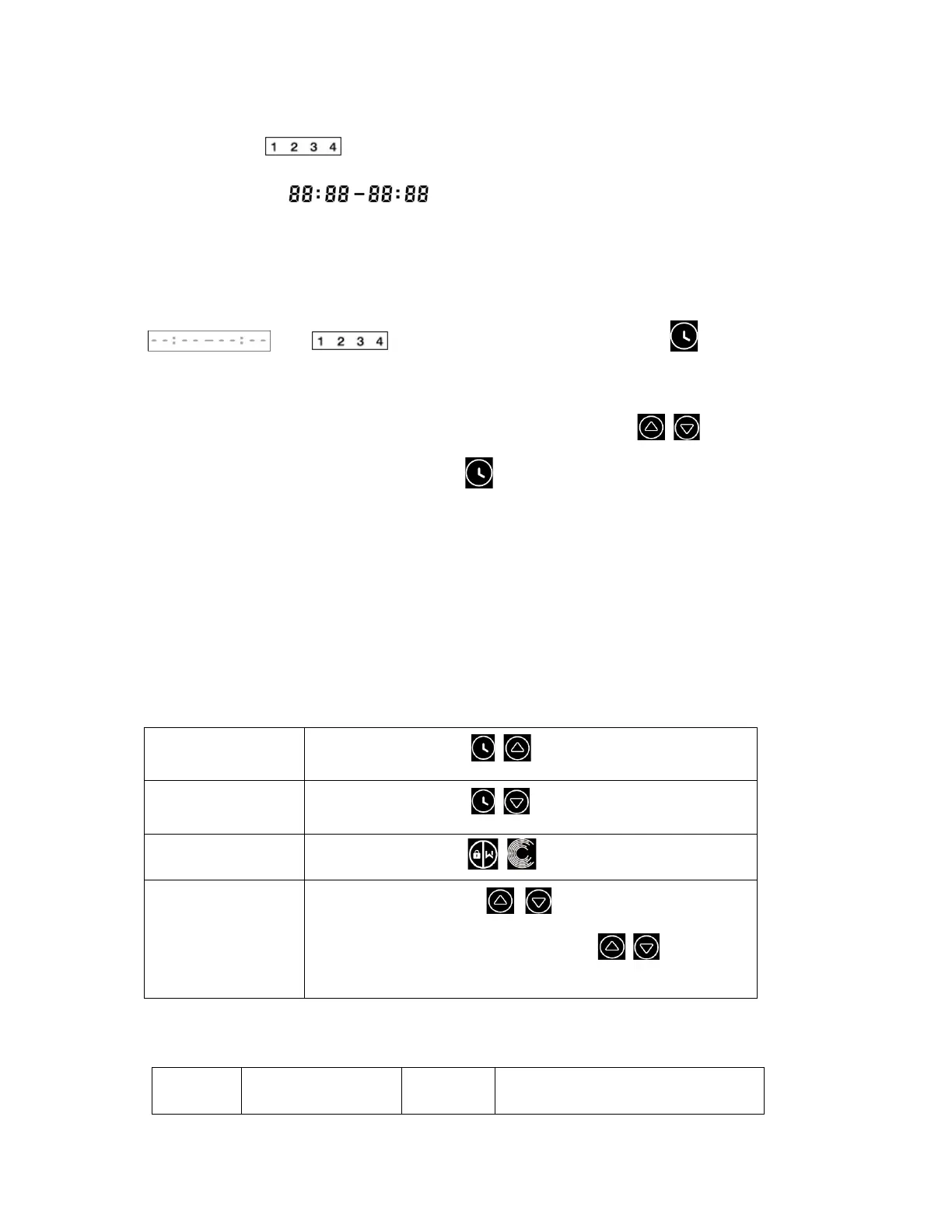
the timer number (or 1 or 2 or 3 or 4) that is about to start running will be displayed on the
controller and flash, will display the corresponding time period, indicating a
successful timer setting.
All 4 time periods should be set in chronological order. Overlap setting of time will be considered as invalid,
the pump will only run based on the previous valid setting. If all 4 time periods set by the timer are invalid,
and will flash to remind the user, you can press to reset the time
period again to make sure they are valid.
During timer setting, if you want to return to the previous setting, hold both for 3 seconds. If
you don’t need to set all 4 timers, you can hold for 3 seconds, the system will automatically save
the current set value and activate the timer mode.
5.8 Winterizing
In cold climate environments where the pools are closed for winter, the pump must be drained from
the strainer and the pump housing. Both unions must be disconnected and the pump may be
covered and protected from the snow fall or disconnected and kept indoor for protection. Warranty
calls on unproper winterization will not be covered by warranty.
5.9 Parameter Setting
Restore factory
setting
Under off mode, hold both for 3 seconds
Check the
software version
Under off mode, hold both for 3 seconds
Manual priming
Under on mode hold both
for 3 seconds
Enter parameter
setting as below
Under off mode, hold both for 3 seconds; If current
address does not need to be adjusted, hold both to next
address
Parameter
Address
Description
Default
Setting
Setting Range



 To Next Page