9
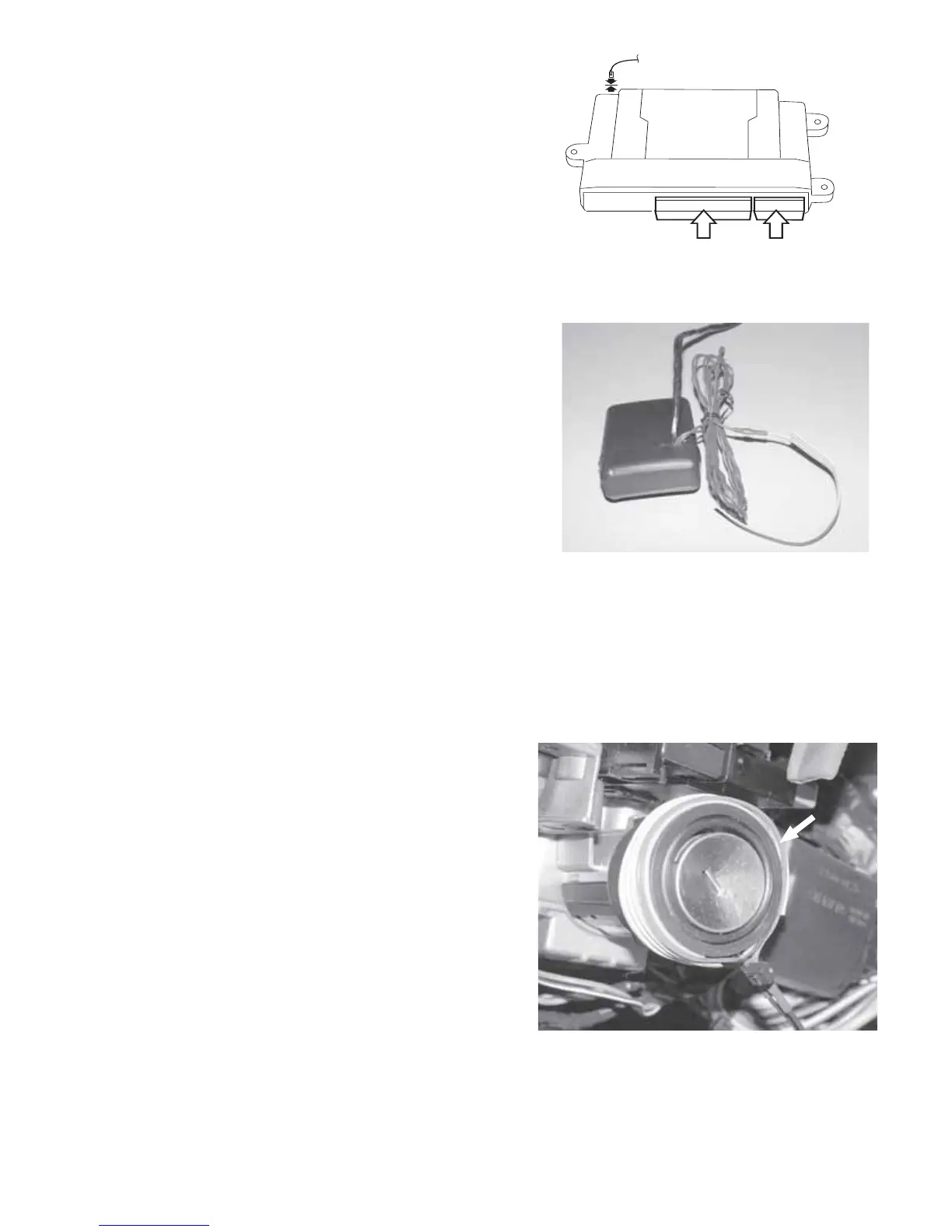
4. Install SKIM/SKREEM Interface
Module.
A. Following the directions on the
supplied ampule of adhesive
primer, apply a thin coating of
primer to the entire SKIM/SKREEM
transceiver antenna coil. Allow the
primer to dry for 5 minutes before
proceeding to the next step.
Note: Use goggles and gloves to
protect yourself from any acci-
dental contact.
B. Remove backing from one side of
the supplied two-way tape and
apply tape around the transceiver
antenna coil.
C. Route the antenna loop from the
SKIM/SKREEM Interface module to
the ignition cylinder.
D. Remove the remaining backing on
the tape and position the antenna
loop on the tape around the trans-
ceiver antenna coil. Ensure the red
stripe faces out towards key.
Press down on antenna coil to
ensure a strong bond.
E. Using a supplied wire tie, secure
the antenna coil as shown.
L. Connect the 24-way and 10-way
connectors into the PC-12 Remote
Start module. Also, connect the 2-
way antenna connector (on end
opposite the main harness connec-
tions).



 To Next Page