4
9
3
8
B
B
C
6
7
3
C
B
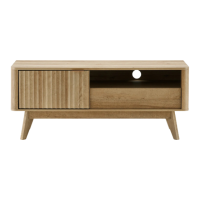
BROOKLYN 47” TV STAND | 07
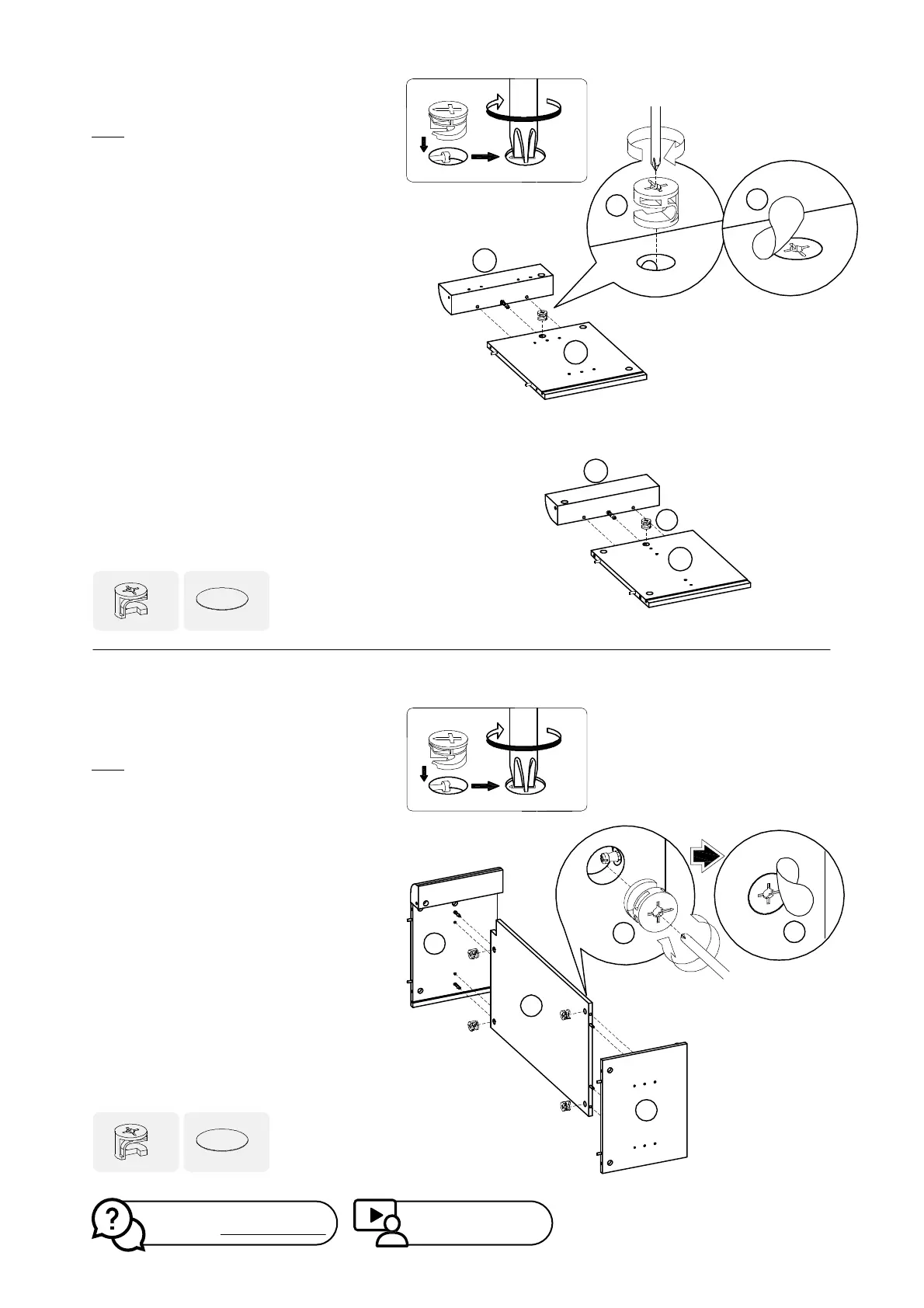
Step 3
Install panel (4) onto panel (9) by inserting
camlock (B) and tightening it with a
screwdriver.
Install panel (3) onto panel (8) by inserting
camlock (B) and tightening it with a
screwdriver.
Please ensure the correct camlock placing
orientation. Check the illustration carefully.
Place Sticker Cam (C) over the Connecting
Cams (B).
Step 4
Install panel (3) and (6) onto panel (7) by
inserting camlock (B) and tightening it with a
screwdriver.
Please ensure the correct camlock placing
orientation. Check the illustration carefully.
Place Sticker Cam (C) over the Connecting
Cams (B)
C
x2
B
x2
C
x4
B
x4
Watch demo video at:
https://bit.ly/39eGJbs
Missing parts? Or feeling stuck?
Chat with us at www.mopio.com#chat


 To Next Page