EasyManua.ls Logo

Morbella TX1 - Understanding of Your TX1 FHD Digital Roadcorder; Buttons

Morbella TX1
45 pages
Print Icon
To Next Page IconTo Next Page
To Previous Page IconTo Previous Page
Loading...
16
© 2017
Ma
k
a
T
e
c
hnologie
s
G
roup
. A
ll Righ
ts
Re
s
er
v
ed
.
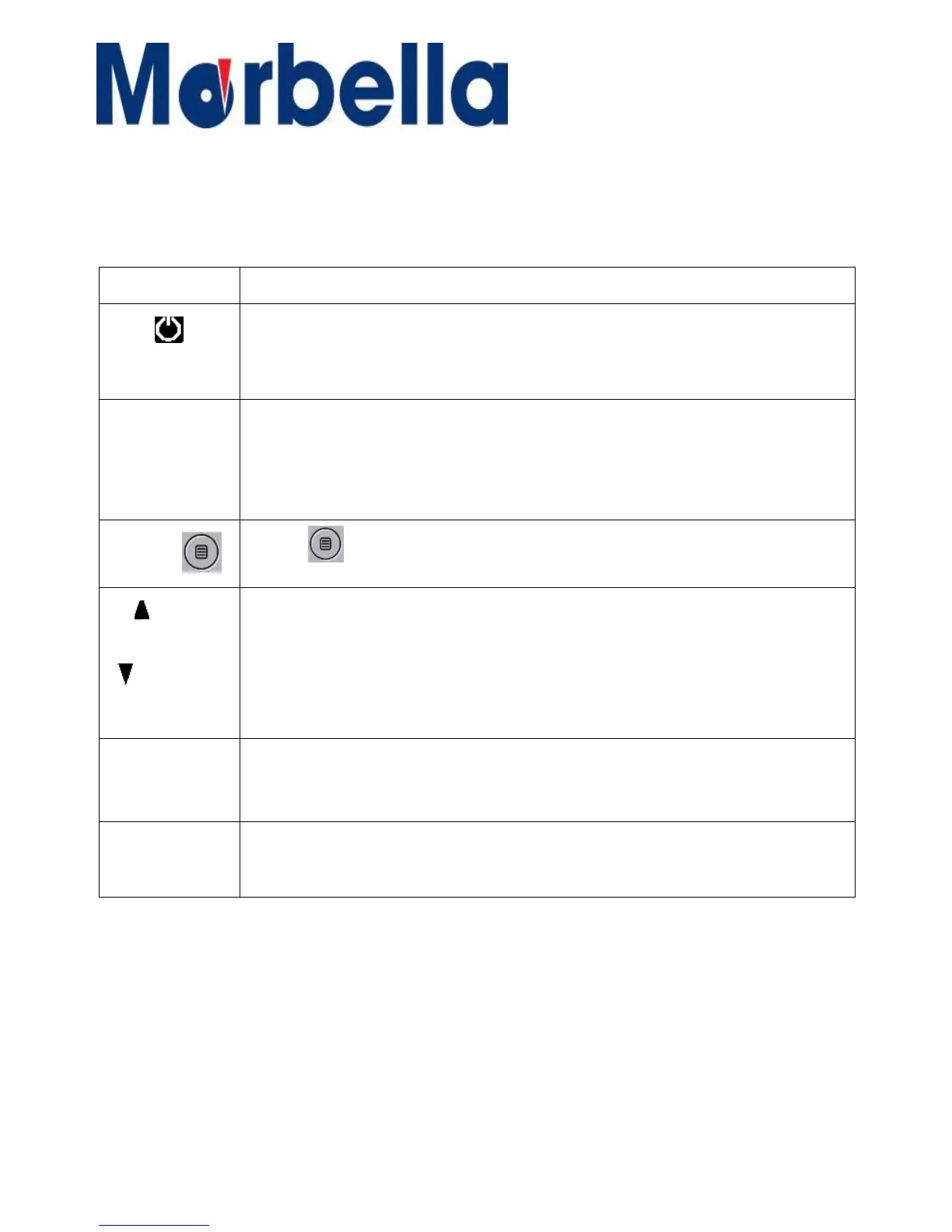
Button
Functions
Press and hold to turn the device on or off.
Hot Keys during recording mode:
Press to manual turn off / on LCD screen when recording.
OK
Press to start or stop recording.
The OK button also acts as an OK button to confirm your selection in
setting mode.
MENU
Press
to
enter
and
exit
Setting
mode
Press
to
navigate
to
the
preferred
functions
required during Setting.
Hot Keys during recording mode:
Up Press to mute/ unmute the microphone during recording.
MODE (“M)
Press
M”
for to
toggle
between
Recording/Photo/Playback
mode
RESET
Press
and
hold
for
more
than
3
seconds
to
reset
the
device
if
it
has
fatal
errors
or
hang-ups,
or
freezes.
Getting
Started
Understanding
your
TX1 F HD
Digital
Roadcorder
TM
and Buttons
B
u
tt
on
s
UP
Down