Page11SYSTEM
Programmingthemachine
1.Switchthepower‘on’byturningtheEmergencystopbuttonclockwise
toreleasethesafetylatch.Thedisplayisnowswitchedon.
Settingthecreasepositions
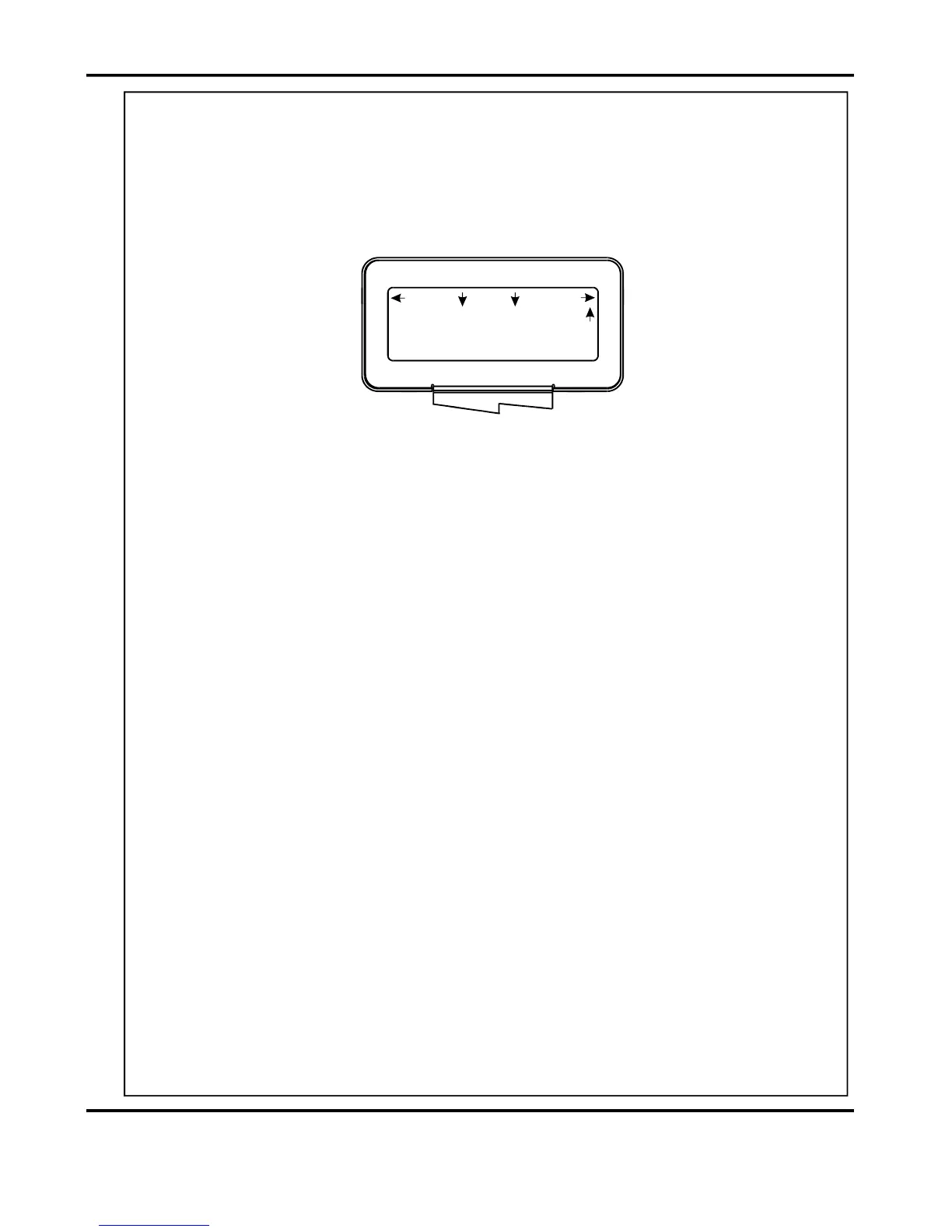
2. Movetheselectionswitchup,oneclickatatime,untilthestartupmenuisdisplayed
asshownbelow.
Storingthecreasepositions
3.
Oncethecreasepositionsarecorrectlyentered,theycanbestoredasfollows.
(i)Movetheselectionswitchup,oneclickatatime,untilthedisplaycontainstheword
More.
(ii)Movetheselectionswitchtotheright,oneclickatatime,untilthedisplaycontains
theword.Programs
(iii)Movetheselectionswitchdowntoselect SaveAllSettings.
(iv)Movetheselectionswitchtotherighttoselect.Ok
(v)Movetheselectionswitchtotherightortothelefttoselectto.Program1Program9
(vi)Movetheselectionswitchuptosavetheprogramintheselectedprogramnumber.
(vii)Movetheselectionswitchuptoselect Ok.
(i)Movetheselectionswitchtotherighttoselect.Setup
(ii)Movetheselectionswitchdowntoselect.SetCreases
(iii)Movetheselectionswitchtothelefttoselect,ortotherighttoselectTens
Decimals.
(iv)Theor(whicheverhasbeenselected)canthenbeadjustedbyTensDecimals
RotatingtheSelectionSwitch,(clockwisetoincreaseoranti-clockwisetodecrease).
(v)Adjustallotherdigitsforthe1stCreasepositionasdescribedinsteps(iii)and(iv),
(vi)Movetheselectionswitchdowntoselectthe2ndCrease.Thesecondcreasewill
(vii)Setthe2ndCreasepositionasdescribedinsteps(iii)to(v)above.
Furthercreasescanbesetinthisway,uptoamaximumofninecreases.
(I.e.movetheselectionswitchtothelefttoselecttheTensortotherighttoselect
DecimalsandthenrotatetheSelectionSwitchtoadjustitsvalue.
automaticallystartat0000.0.Creasepositionscanbesetinincrementsof0.1mm.
2Creases
Program3
Total20
Zero
Setup
Tools
Feed
OperatingtheDigicreaser


 To Next Page