Page 25
SYSTEM
Back
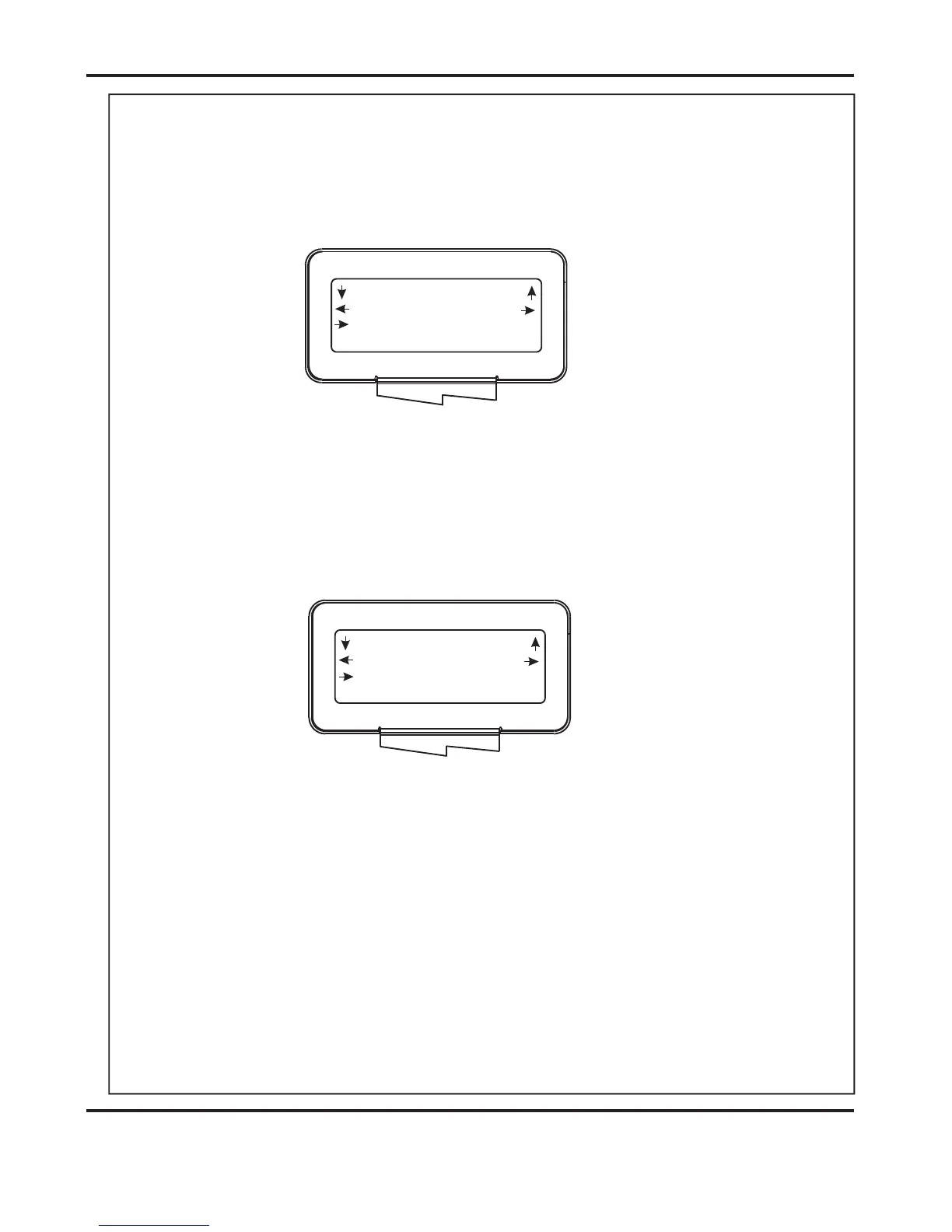
Tens Decimals
Sheet Width 180.0
Length 50.0
Set Booklet
Back
Tens Decimals
Sheet Width 180.0
Book Centre 130.5
Set Booklet
(iii) The can now be set as follows:-
Move the Selection Switch to the left to select or to the right to
select . The or (whichever has been selected)
can then be adjusted by rotating the Selection Switch, (clockwise to
increase or anti-clockwise to decrease).
(v) The can now be set as follows:-
Move the Selection Switch to the left to select or to the right to
select . The or (whichever has been selected)
can then be adjusted by rotating the Selection Switch, (clockwise to
increase or anti-clockwise to decrease).
(vii) The can now be set as follows:-
Move the Selection Switch to the left to select or to the right to
select . The or (whichever has been selected)
can then be adjusted by rotating the Selection Switch, (clockwise to
increase or anti-clockwise to decrease).
Sheet Length
Tens
Decimals Tens Decimals
Book Centre
Tens
Decimals Tens Decimals
Sheet Width
Tens
Decimals Tens Decimals
NOTE.
(iv) Move the selection switch down.
(vi) Move the selection switch down.
It is important to set the correctly. This will ensure that the Creaser
and Booklet Maker units are aligned for Booklet Making operation. The Creasing
unit automatically aligns with the Booklet Maker when the sheets are fed.
(viii) Move the selection switch down.
Sheet Width
DocuMaster MK3



 To Next Page