Page 26
CREASING / BOOKLET MAKING
Setting the Machine up as a Booklet Maker
3 Sheet Book
Prog 3
Books 9
Reset
Setup
Tools
Feed
Back
(Variable Data)
Set Booklet
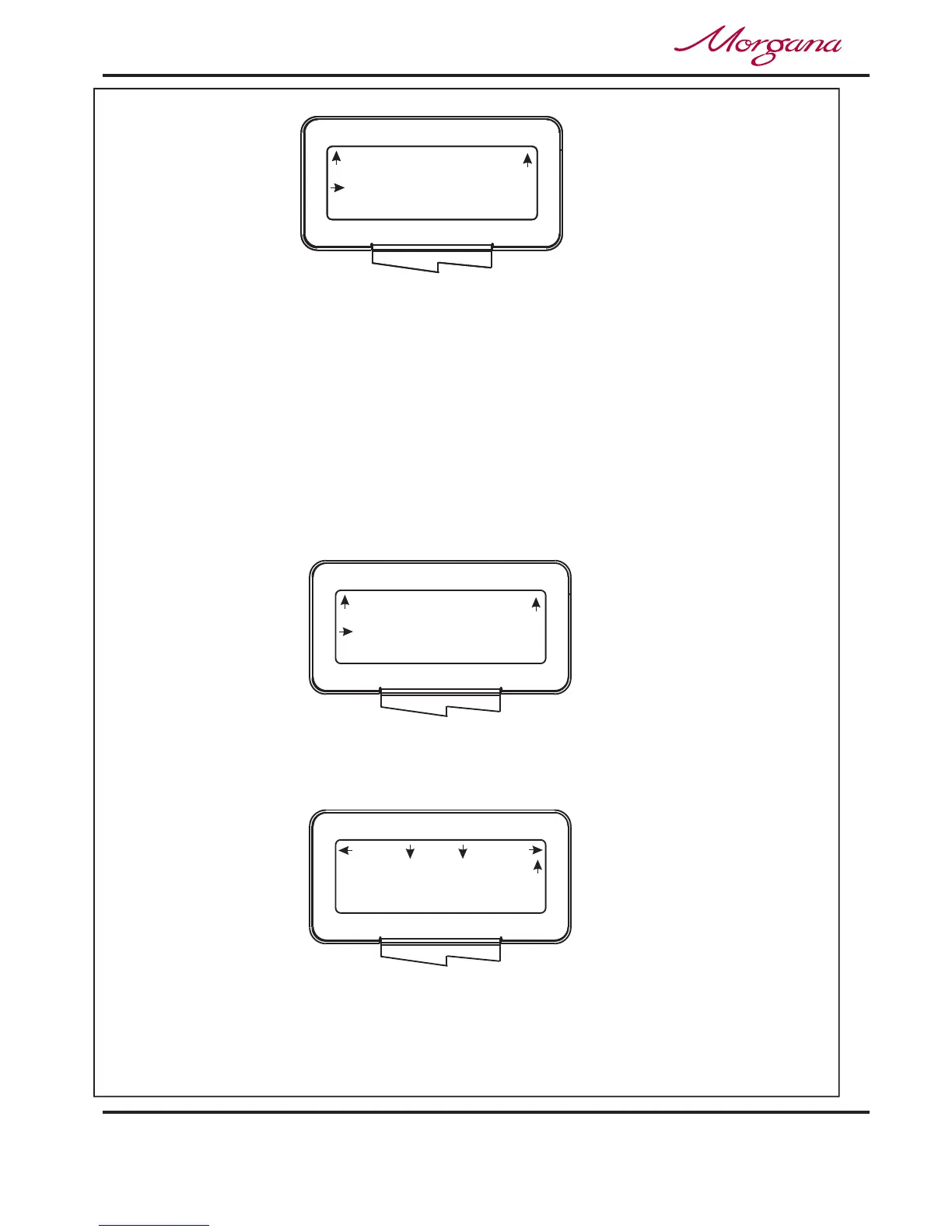
Sheets in Book ?
(ix) The number of can now be set by
rotating the Selection Switch, (clockwise to increase or anti-clockwise to
decrease). Range:- 1 to 20 sheets (including cover).
Sheets in Book (Including Cover)
NOTE:-
If the selection switch is turned fully anti-clockwise the display will show
‘Sheets in Book ?’ ‘(Variable Data)’ as shown on next page. This setting is
used when the optional ‘Camera Recognition System’ is fitted and the
number of sheets in the Booklet are variable.
Setting the Crease Style.
(ii) Move the selection switch to the right, one click at a time, (selecting )
until the display contains the words .
More
Crease Style
6. From the Booklet Maker start up menu, the can be set as
follows:-.
(i) Move the selection switch to the right to select .
Crease Style
Setup
Back
(Including Cover)
Set Booklet
Sheets in Book 3
Back
(Including Cover)
Set Booklet
Sheets in Book 3
Documaster



 To Next Page