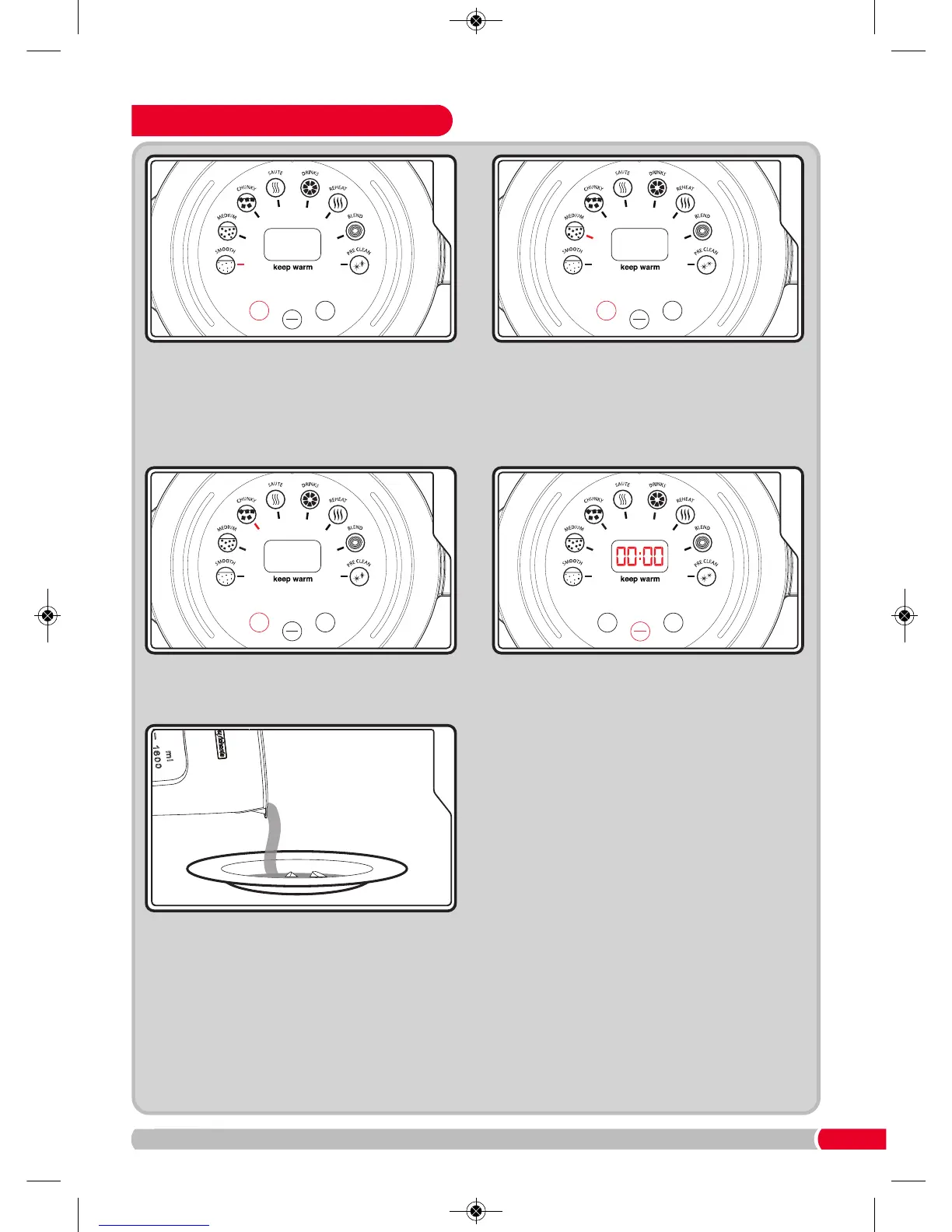
Press the Mode Button (22) to select the
program. The Smooth Function Indicator (13)
will illuminate. Continue pressing Mode
Button (22) to go through the settings. Select
Smooth Function Indicator (13) for a smooth
soup.
Press the Start/Stop Button (23) and the
processing time will countdown on the
LED screen (21). Portion control is set to 2
portions. If 3 or 4 portions are required it
must be set before the Start/Stop Button (23)
is pressed. See portion control on page 8.
Smooth and drinks function will be set to
3 portions.
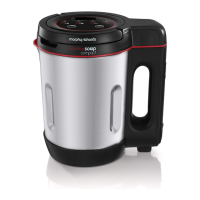
When finished, the Total Control Soup Maker
will beep for 10 seconds. Unplug from the
mains, remove the Lid
(4) and serve.
WARNING: Take care removing the Lid
(4)
when making soup to avoid splashing with
hot liquid and steaming.








 To Next Page