8
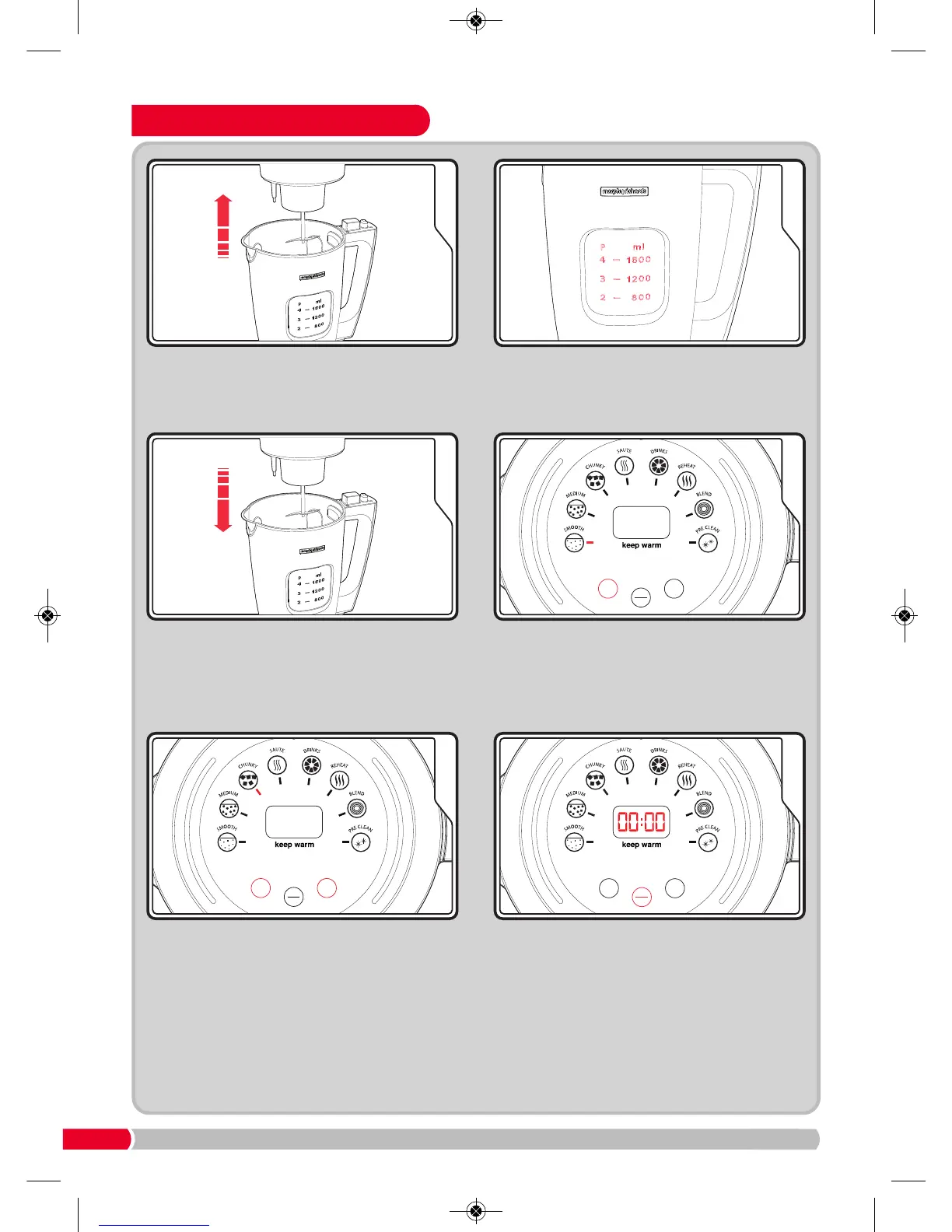
How To Use Portion Control
After selecting your soup consistency press
the Portion Button
(24) to select the portion
of soup you would like to make (2, 3 or 4).
NOTE: Portion control available on certain
recipes only. Please see recipes from page
16 for details.
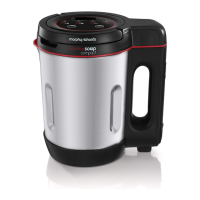
Ensure the Total Control Soup Maker is
unplugged from the mains. Remove the Lid
(4), be careful not to touch the Serrator Blade
(8). WARNING: Sharp Blade.
Fill up the Total Control Soup Maker to the
level shown on the Removable Vessel (7) for
the desired portion. See individual recipes for
more information.
Press the Mode Button (22) to select the
program. The Smooth Function Indicator (13)
will illuminate. Continue pressing Mode
Button (22) to go through the settings to
select your soup consistency.
Press the Start/Stop Button (23) and the
processing time will countdown on the
LED screen
(21). When finished, the Total
Control Soup Maker will beep for 10 seconds.
Unplug from the mains, remove the Lid (4)
and serve.
Place the Lid (4) back onto the Jug Body (10)
ensuring it is securely in place and plug the
Total Control Soup Maker into the mains.
See page 7.
NOTE: Depending on the type of soup you make the ingredients will absorb the added liquid
and can reduce in volume, hence the portions may be less than when started.
501020 Rev 1.qxp_Layout 1 26/08/2016 09:54 Page 8









 To Next Page