SECTION 2
8
Turning the X12+ On
The X12+ will power up as soon as a battery with a minimum of 1.0 volts has been inserted into the battery
compartment. If the X12+ was turned off after its last use, the user has two options to power the X12+ on:
1. Remove and re-insert the AA alkaline battery, or
2. Press Up/Right
The X12+ will power up and display the main LCD menu within three seconds.
Turning the X12+ Off
The user has two options to power the X12+ off:
1. Remove the battery, or
2. Press and hold
Enter for a period of three seconds
a. A prompt will appear in the LCD display
b. Press Up/Right to highlight Yes
c. Press Enter to select
NOTE: The user has three seconds to select yes or no or the prompt menu will be replaced by the
main menu.
LCD Display Battery Voltage Indicator
The X12+ is powered with a single AA alkaline battery that requires a minimum of 1.0 volts to operate.
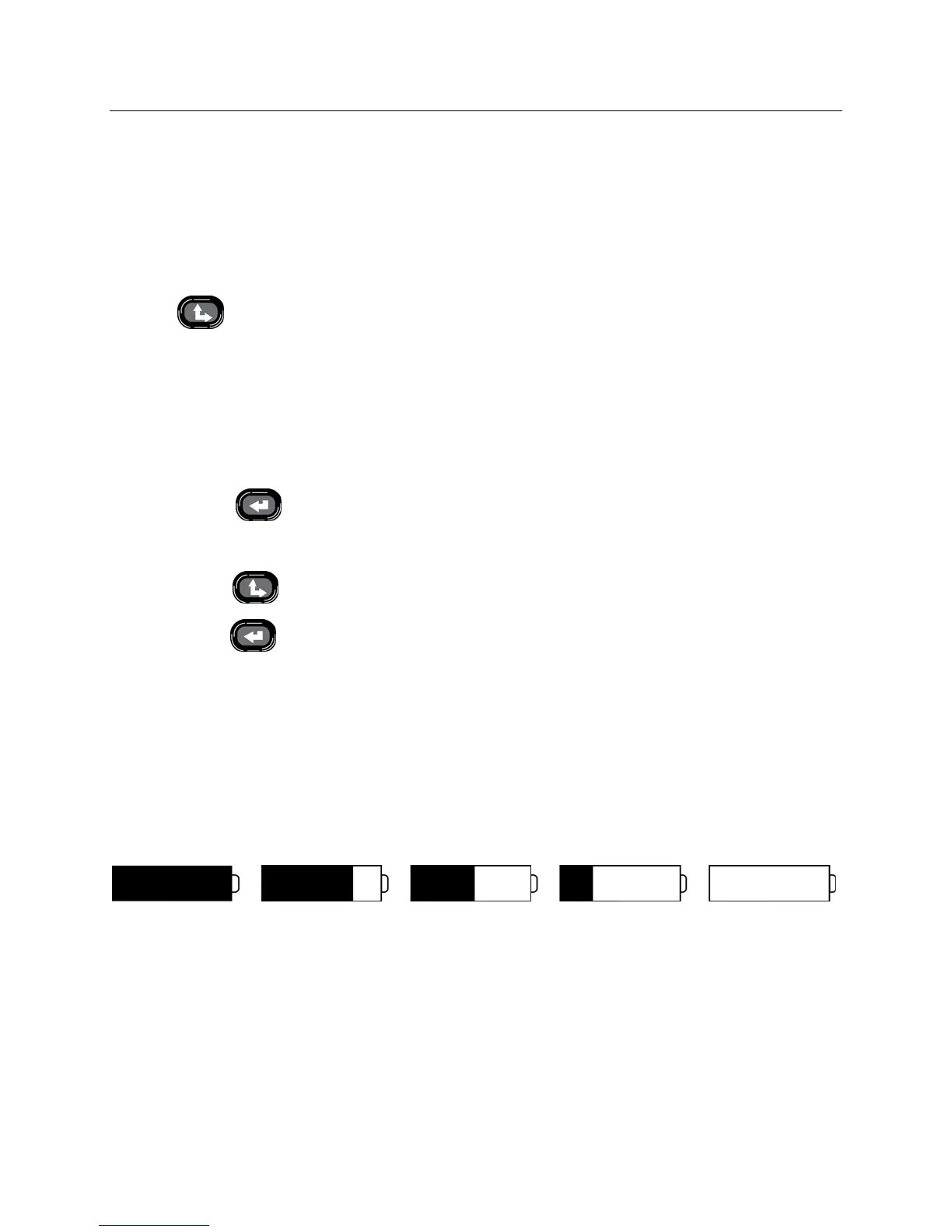
When the battery contains sufficient voltage, the LCD main menu will display a picture representing the current
battery voltage in increments of 100%, 75%, 50%, 25%, or 0%. If a battery with unknown voltage is inserted and
the LCD menu does not appear, insert a new battery.
100%
75% 50% 25% Low Battery
An option to display the actual battery voltage is also available in the configuration menu and will be explained later
in this section.
NOTE: If battery voltage is below 1.0 volts, the X12+ will not power on. Insert a new AA alkaline battery
to continue operation.
When the battery indicator shows a voltage of 25%, the battery should be discarded and a new battery
should be inserted.



 To Next Page