18
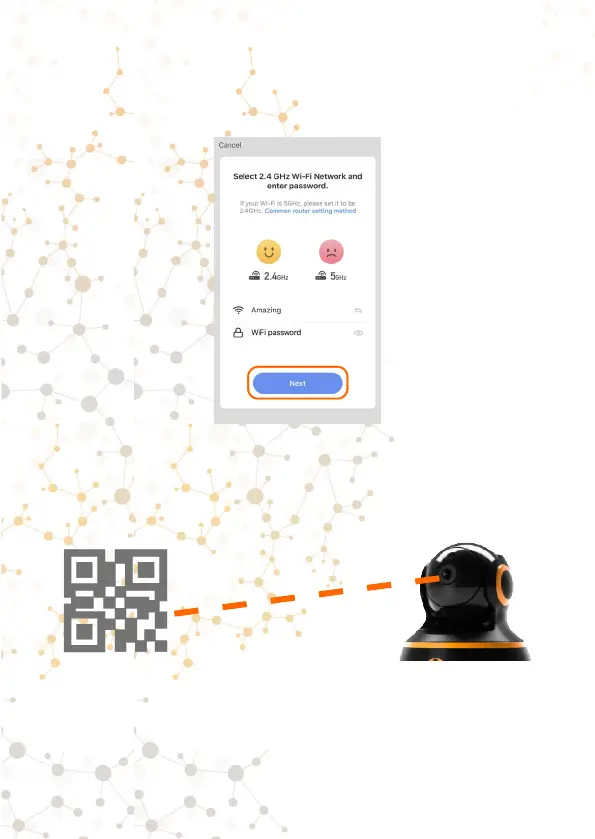
4. In this step, your Wi-Fi network to which we connected
earlier will be displayed. Enter the password for this network
and click «Conrm».
5. The full screen of your iPhone will display a QR code. You
need to scan this QR code with the Morvelli FHD22 camera.
Place your iPhone opposite the camera lens at a distance of
3-7 inches.
6. After successfully scanning the QR code, the camera will
emit a distinctive sound.
Long single sound- camera is successfully reading a QR code
from your mobile device.



 To Next Page