28 Configuration
Display
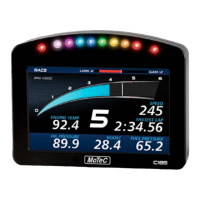
The C125 display is a high contrast, high brightness colour LCD display.
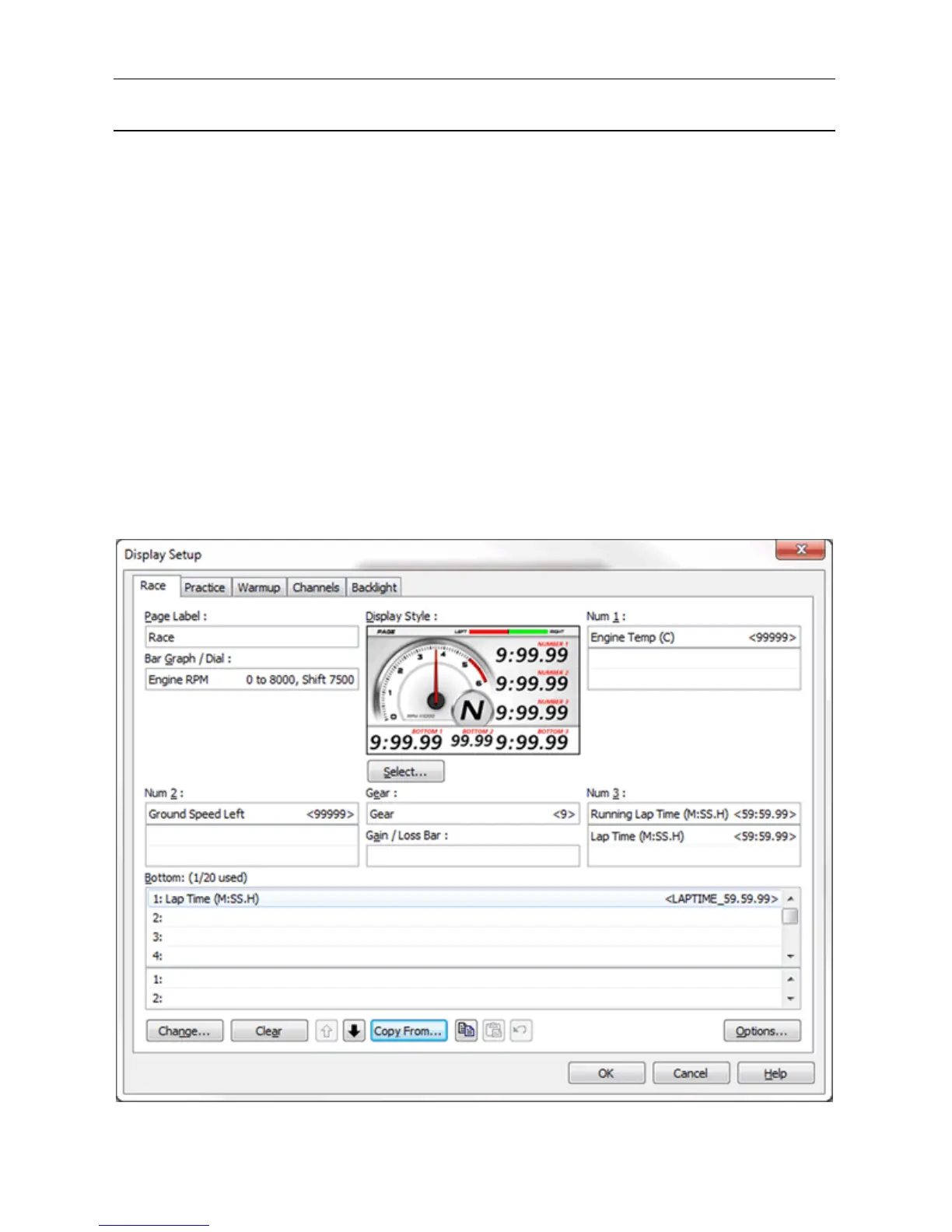
The displayed channels and labels are configured on a display style chosen
from predefined styles.
To configure the display
1. On the Functions menu, click Display
2. Select the required mode (Race, Practice, Warmup) by selecting the
relevant tab.
3. Select the required display style.
4. Set the labels and channels you want to display for each of the
numeric displays. To do this:
a. Select the display.
b. Select the Change button.
Alternatively, double click on the relevant display.


 To Next Page