72 Appendices
Network Switches and Cables
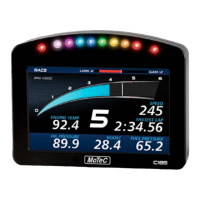
The C185 must be connected to the network via a network switch.
All MoTeC's PC connection cables (see PC Connection) are Ethernet
crossover cables, that allow direct connection to a PC and are compatible with
network switches that support auto cable sensing (sometimes called “Auto-
MDI/MDI-X” or “Universal Cable Recognition”)
If the network switch does not support crossover cables MoTeC recommends
upgrading the network switch rather than having two types of cables, which
may cause confusion.


 To Next Page