MoTeC Appendices 75
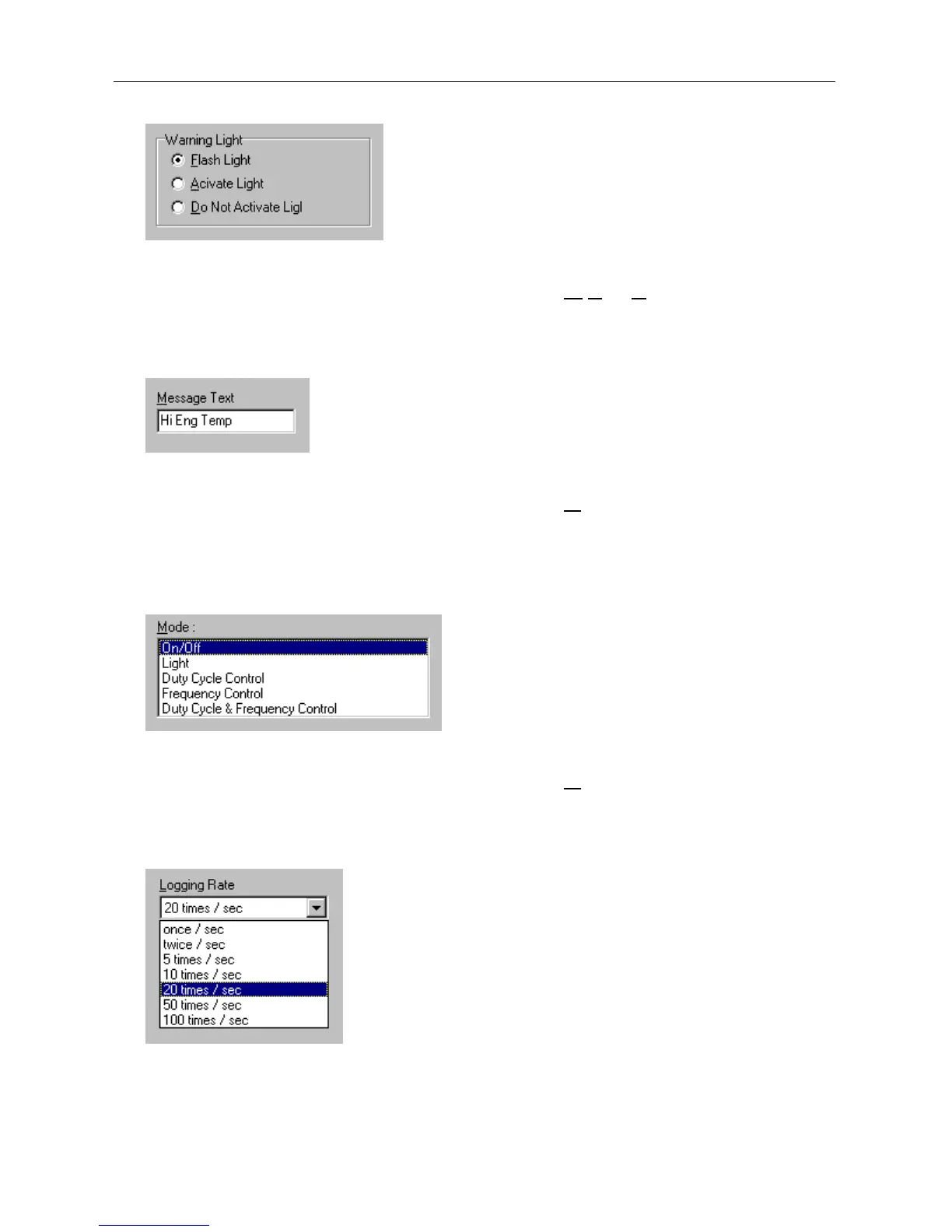
Group Box
The Group box is used to select an item from a group of options.
Press ALT + the key for the underlined letter (F,
A or D), or use the TAB
key to navigate to the Group box. To select, use the arrow keys.
Text Box
A text box is used to enter a value or text.
Press ALT + the key for the underlined letter (M
) or use the TAB key to
navigate to the Text box, type in the new value or text. Use the
BACKSPACE or DELETE to remove unwanted characters.
List Box
A list is used to select from a number of options.
Press ALT + the key for the underlined letter (M
) or use the TAB key to
navigate to the List Box. To select, use the arrow keys.
Drop-down List Box
A Drop-down list box is used to select from a number of items, but only the
selected item is shown until a new item needs to be selected.



 To Next Page