Motion Computing LE-Series and LS-Series Tablet PCs User Guide 31
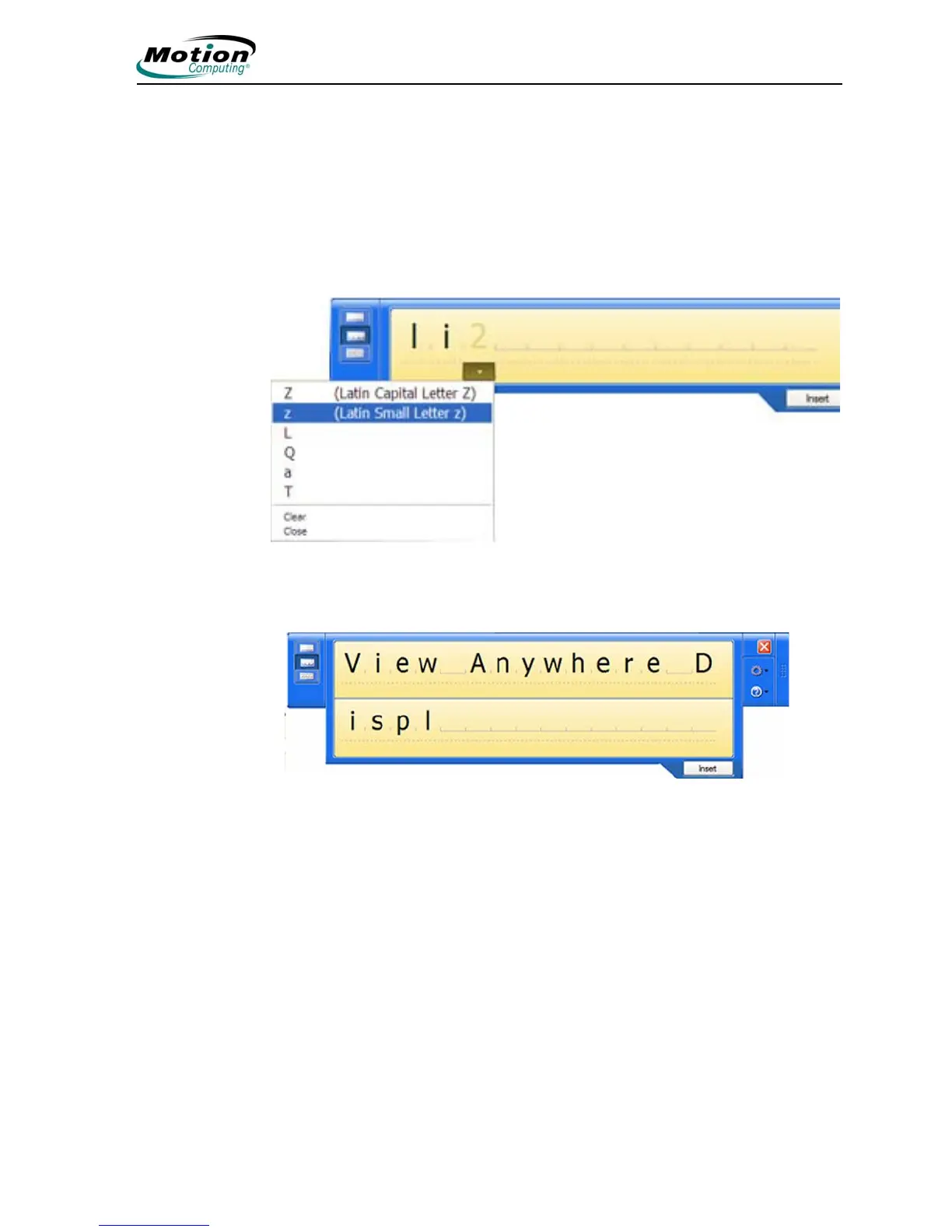
Using the character pad. Use the character pad for acronyms, equations, or other
entries that require individual letters, numbers, or symbols that the writing pad may
interpret incorrectly. Some examples include the following: ~<!<@<#<$<%<^
and*()_+<>{}[] \ /. Symbols/letters are displayed in a text equivalent that you can
individually correct by:
• Handwriting over the text equivalent in each character space
• Clicking on the arrow under the letter and selecting an alternative from the
drop-down menu
The character pad expands vertically when you get near the end of the panel.



 To Next Page