66 Motion Computing LE-Series and LS-Series Tablet PCs User Guide
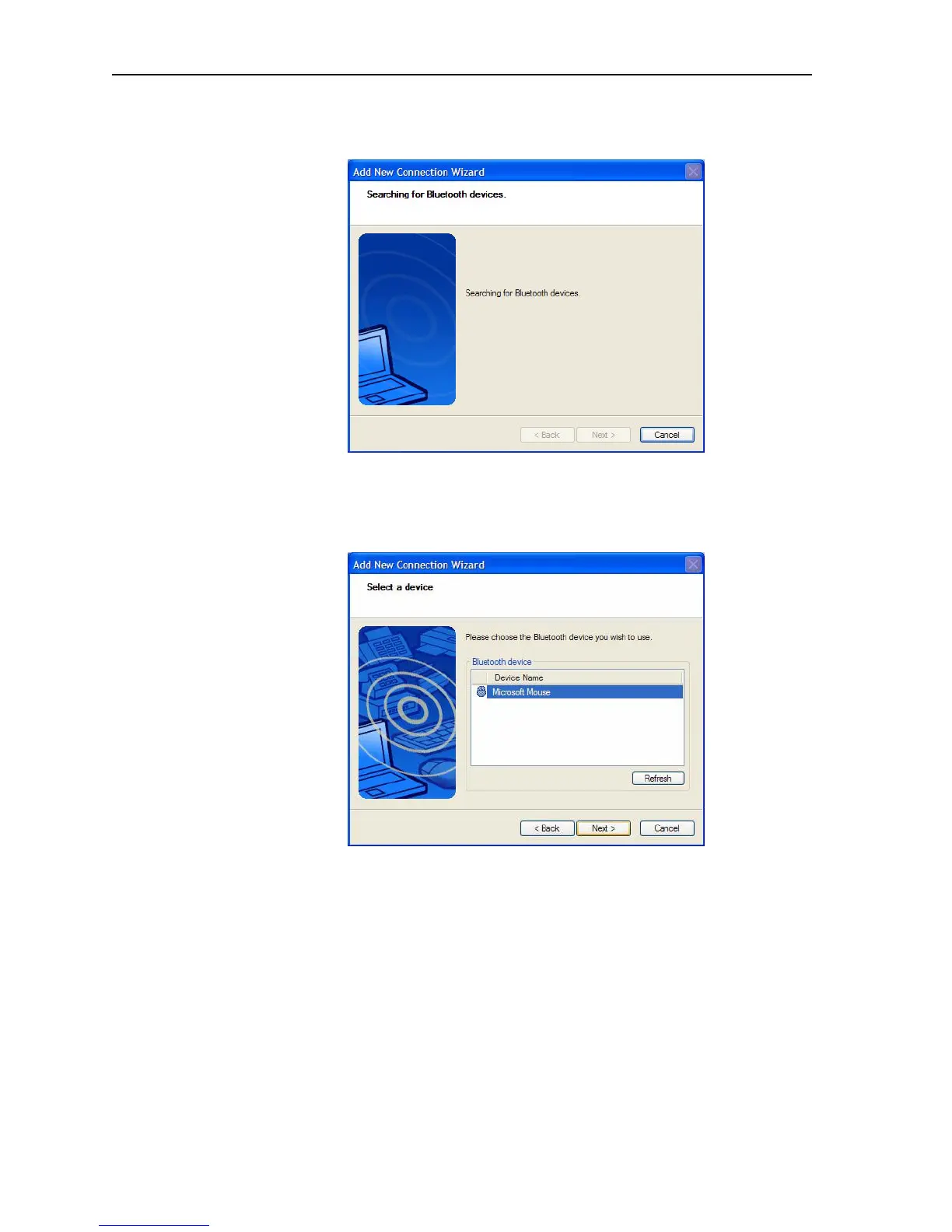
5. After you make the Bluetooth device discoverable, tap Next. The
“Searching for Bluetooth devices” window is shown.
When the Bluetooth device is detected, it is shown in the Add New
Connection Wizard Select a device window. If multiple devices are
detected, each is shown in the window. Select the device to be
connected.



 To Next Page