Motion Computing LE-Series and LS-Series Tablet PCs User Guide 67
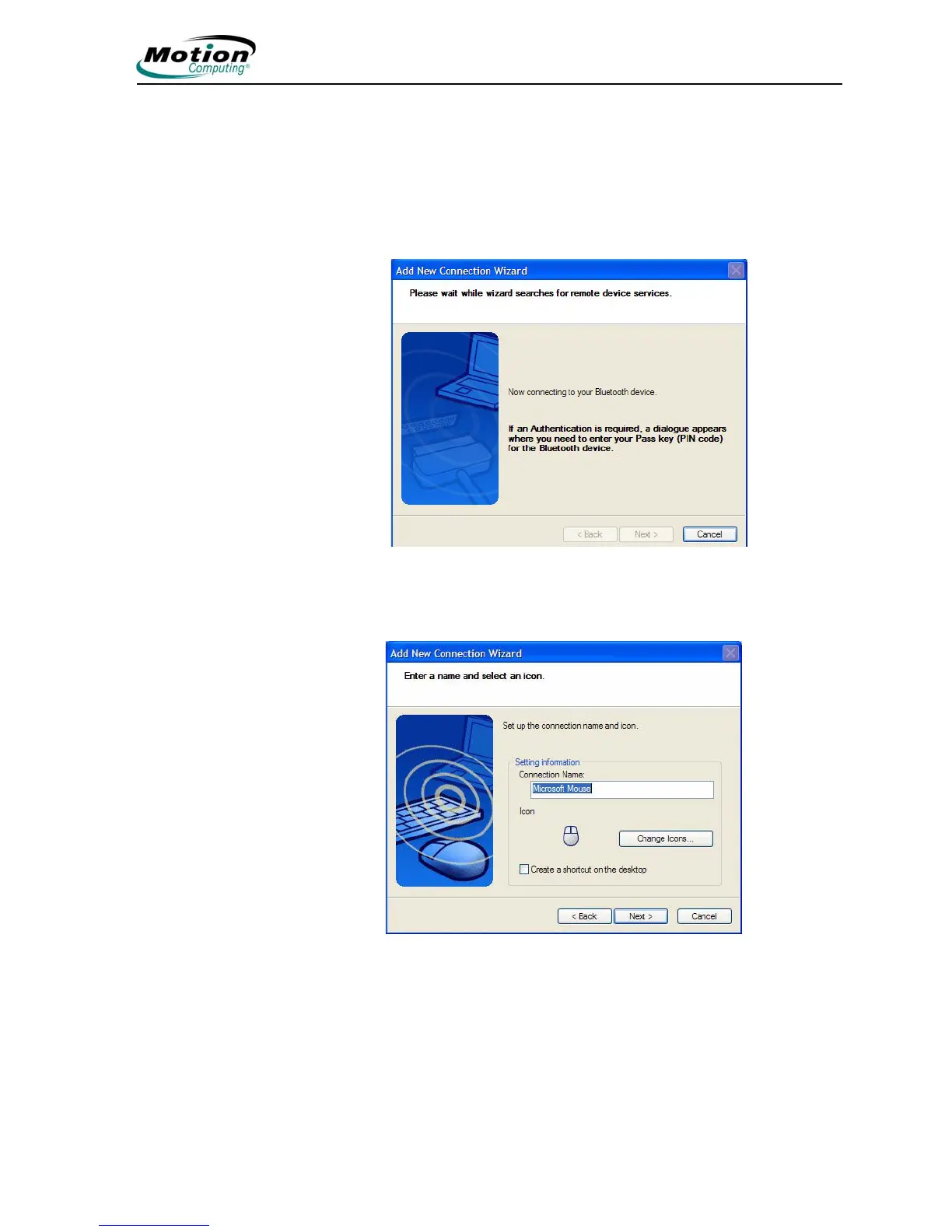
6. Tap Next to add the Bluetooth device.The wizard searches for remote
device services. The Wizard will display a message that it is connecting
and then the passkey number if authentication is required.
NOTE: If required, immediately enter the number shown in the
Passkey field and press Enter. Consult your device documentation
for more information.
It may take a short time to complete the connection. Please wait.
The wizard asks you to enter a name and select an icon for the
device. Tap Next to continue.



 To Next Page