66 Motion Computing LE1600 and LS800 Tablet PC User Guide
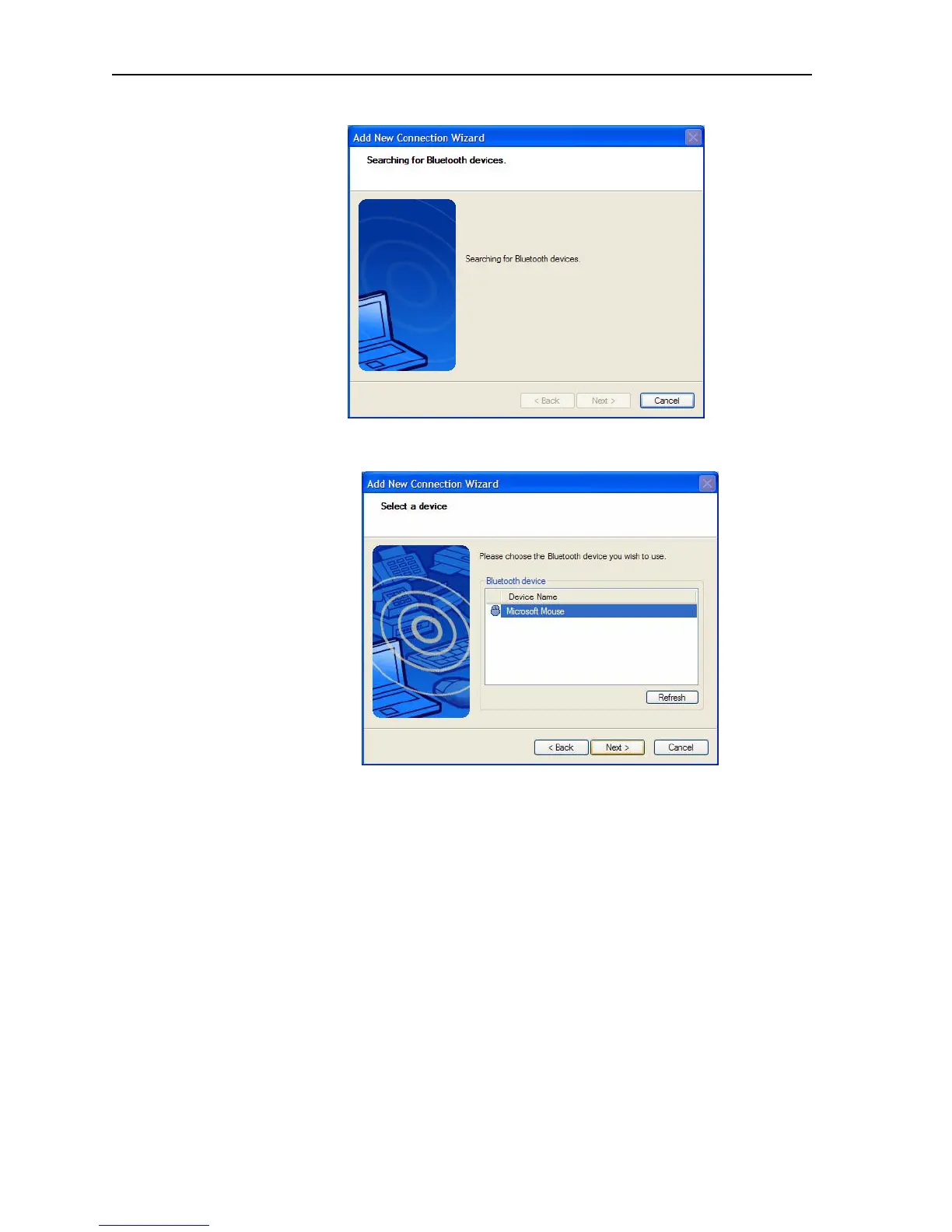
detected, each is shown in the window. Select the device to be
connected.
6. Tap Next to add the Bluetooth device.The wizard searches for
remote device services. The Wizard will display a message that it is
connecting and then the passkey number if authentication is
required.
NOTE: If required, immediately enter the number shown in
the Passkey field and press Enter. Consult your device
documentation for more information.



 To Next Page