Motion Computing LE1600 and LS800 Tablet PC User Guide 67
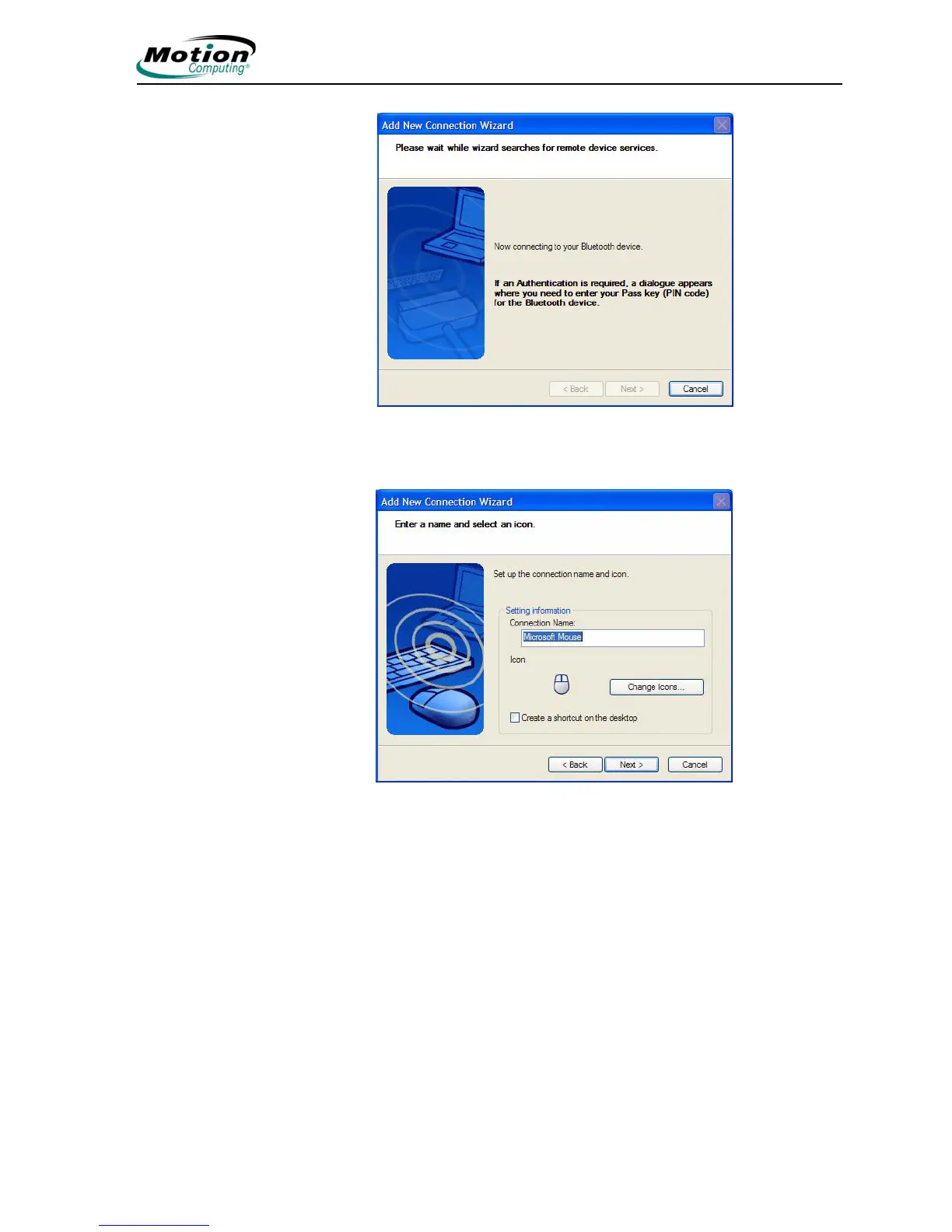
It may take a short time to complete the connection. Please
wait. The wizard asks you to enter a name and select an icon
for the device. Tap Next to continue.
7. When the Completing the Add Bluetooth Device Wizard window
appears, the Bluetooth installation is nearly complete. Tap Finish to
complete the installation.



 To Next Page