EasyManua.ls Logo

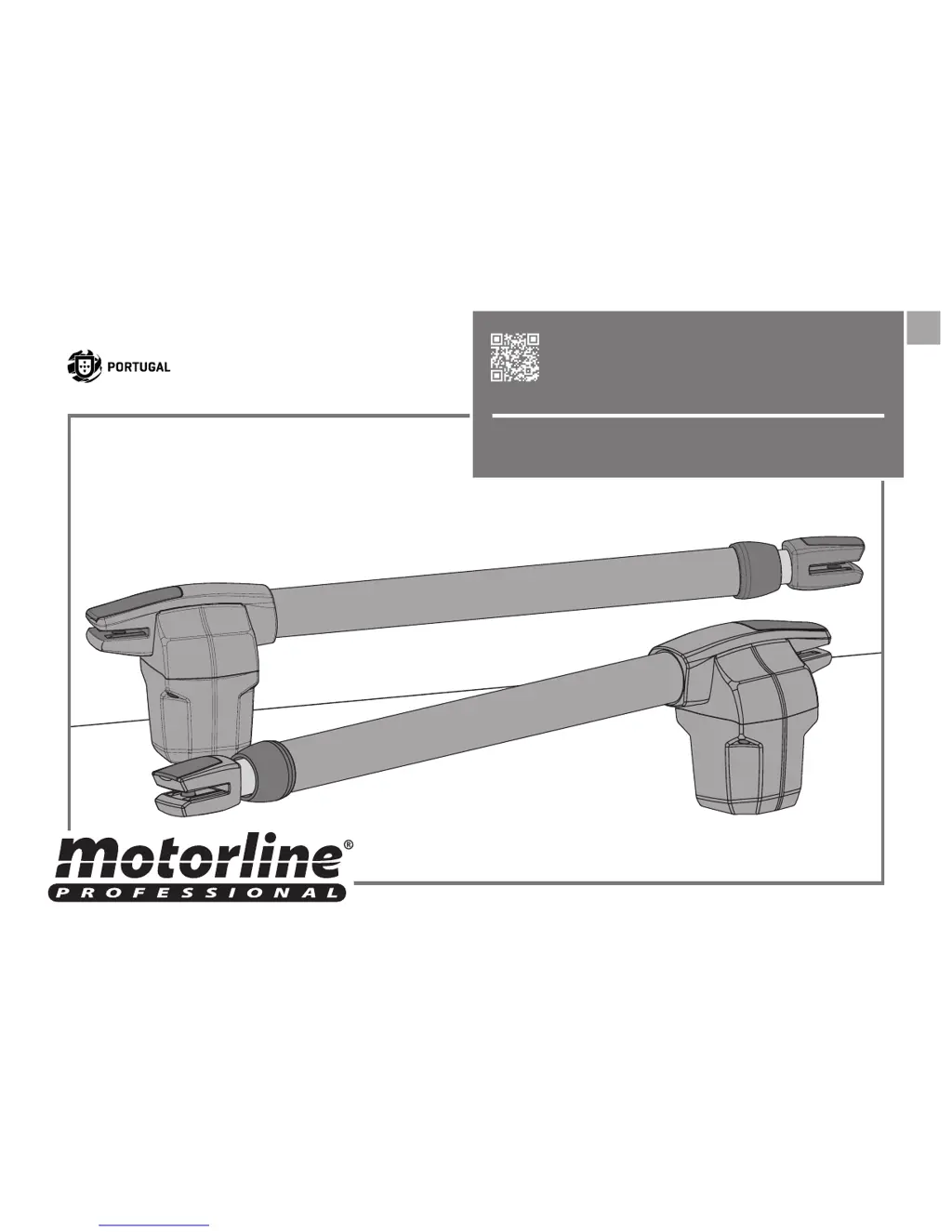
Motorline professional LINCE400 - User Manual

Motorline professional LINCE400
14 pages
Print Icon
To Next Page IconTo Next Page
Loading...
v8.0
REV. 03/2018
EN
USER’S AND INSTALLER’S MANUAL
LINCE 230V/110V/24V

Questions and Answers

  • H
    Heather SmithAug 11, 2025
    How to troubleshoot a Motorline professional LINCE400 when the motor doesn't work?
    • R
      Rebecca OconnellAug 12, 2025
      If your Motorline professional Gate Opener motor doesn’t work at all, first ensure the automation control board has power and is functioning correctly. Open the control box and inspect the board, testing it by directly connecting 230V/110V/24V power to the power supply to identify any issues. Check the input fuses. Disconnect the motors from the control board and test them by directly connecting them to the power supply to see if they are faulty. If problems persist, consult a qualified MOTORLINE technician or see MOTORLINE technical services for diagnosis.
  • A
    Amy GomezAug 19, 2025
    Why doesn't my Motorline professional LINCE400 motor complete its full route?
    • B
      Brandon LeeAug 19, 2025
      If your Motorline professional Gate Opener motor doesn’t make a complete route, start by unlocking the motor and manually moving the gate to check for mechanical issues. Inspect all motion axes and related motion systems like pins and hinges. Check the capacitors, testing with gate at full force during the entire course. Adjust the force using the trimmer on the board to ensure the controller is sufficient to make the gate open and close without stopping. Program a new working time, allowing sufficient stop with minimal effort. If these steps don't resolve the issue, remove the control unit and send it to MOTORLINE technical services, or consult an experienced gate expert.
  • E
    emilytuckerAug 27, 2025
    Why does my Motorline professional Gate Opener motor make noise but not move?
    • K
      Karen ReedAug 27, 2025
      If the Motorline professional Gate Opener motor doesn’t move but makes noise, unlock the motor and move the gate by hand to check for mechanical problems. Inspect all motion axes and associated motion systems related to the gate and operators, such as pins and hinges. Check the capacitors to see if they have problems. As an alternative, disconnect motors from the control board and send to our MOTORLINE technical services for diagnosis, or consult an experienced gate expert.
  • K
    Kellie ZavalaNov 3, 2025
    What to do if my Motorline professional LINCE400 motor opens but doesn’t close?
    • S
      Samuel SullivanNov 3, 2025
      If your Motorline professional Gate Opener motor opens but doesn’t close, check for obstacles in front of the photocells. Also, verify that control devices like key selectors or push buttons are not jammed, sending a continuous signal to the control unit. If the "START" circuits LEDs are on, another device is sending a permanent signal. You can try disconnecting all wires from the START terminal. If the LED turned off, try reconnecting one device at a time until you find the defective device. If that doesn't work, close with a shunt all safety systems on the control board (check manual of the control board in question). Remove one shunt at a time until you find the malfunction device. Replace it for a functional device and check if the operator works correctly with all the other devices. A...

Summary

SAFETY INSTRUCTIONS

STANDARDS TO FOLLOW

Guidelines for safe installation and usage procedures.

ATTENTION: PRODUCT COMPLIANCE

Details on CE and RoHS compliance and environmental disposal.

PACKAGE

INSIDE PACKAGE

List of components included in the product package.

OPERATOR

CHANGE MOTOR DIRECTION

Instructions for reconfiguring the motor's operational direction.

UNLOCK OPERATOR

Procedure for manually unlocking the operator for free movement.

TECHNICAL SPECIFICATIONS

Detailed technical data and specifications for the LINCE operators.

INSTALLATION

VERTICAL INSTALLATION DIMENSIONS

Required vertical measurements for correct operator installation.

HORIZONTAL INSTALLATION DIMENSIONS

Required horizontal measurements for correct operator installation.

INSTALLATION STEPS

Step-by-step guide for installing the operator and its components.

INSTALLATION MAP

Diagram showing the layout of components and wiring connections.

TROUBLESHOOTING

FINAL CONSUMERS INSTRUCTIONS

Troubleshooting steps for end-users with common anomalies.

INSTRUCTIONS FOR SPECIALIZED INSTALLERS

Advanced troubleshooting for installers and technical services.

COMPONENTS TEST

230 V;110 V MOTOR

Procedure for testing 230V/110V motors and control board functionality.

24 V MOTOR

Procedure for testing 24V motors using an external battery.

MAINTENANCE

MAINTENANCE

Routine maintenance tasks for the operator's longevity and function.

CONTROL BOARD MC2

230;110 V CONNECTIONS SCHEME

Wiring diagram for the MC2 control board (230V/110V).

CONTROL BOARD MC11

24 V CONNECTIONS SCHEME

Wiring diagram for the MC11 control board (24V).

Motorline professional LINCE400 Specifications

General IconGeneral
Max Gate Weight400 kg
Power Supply230V AC
Motor Voltage24V DC
Operating Temperature-20°C to +55°C
Protection ClassIP44
Power Consumption120W
Protection RatingIP44
Safety FeaturesObstacle detection
Control OptionsRemote control
Motor TypeDC motor

Related product manuals