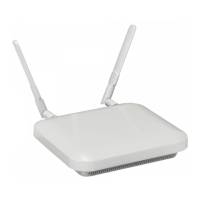
14 AP-7522 Access Point
2.6 Suspended Ceiling T-Bar Mount Instructions
Ceiling mount requires holding the AP-7522 up against a T-bar of a suspended ceiling grid and twisting the unit on
to the T-bar. If deploying the AP-7522 on a sculpted ceiling T-Bar, the Access Point mounting kit (Part No.
KT-135628-01) can optionally be used as well.
1. First install the mounting bracket on the T-bar then attach the mounting plate using the mounting slots on
the Access Point.
2. Cable the Access Point using either the Power Injector solution (AP-PSBIAS-2P3-ATR) or the approved
AP-7522 power supply (PWRS-14000-54R).
For Motorola Power Injector installations:
MN000879A01B.fm Page 14 Thursday, July 10, 2014 11:01 AM


 To Next Page
 Loading...