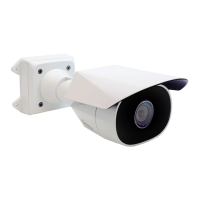
Sarix Enhanced 4 Bullet Camera Cameras Installation Manual
C6755M | 01/2024
17
ConnectingtoPowerandExternalDevices
IfPoEisnotavailable,thecameramaybepoweredthroughtheauxiliarypowercableusing12VDC.The
powerconsumptioninformationislistedintheproductspecifications.
ThisproductisintendedtobesuppliedbyaULListedPowerUnitmarked“Class2”or
“LPS”or“LimitedPowerSource”withoutputrated12VDC,13Wmin.orPoErated48V
DC,13Wmin.Thecameramustnotbepoweredwith24VACauxpowerorthecamera
couldbephysicallydamaged.
Externaldevicesareconnectedtothecamerathroughpluggableterminalblocks.Forthelocationsofthe
terminals,see
Overview
onpage1.ThepinoutfortheI/Oterminalblockisshowninthefollowingdiagram:


 To Next Page
 Loading...