16
ENGLISH
This section gives some simple suggestions for troubleshooting problems with your Gateway’s
initial configuration.
Before troubleshooting, make sure you have
• plugged in all the necessary cables (see “Connections” on page 4); and
• set your PC’s TCP/IP controls to obtain an IP address automatically (see “Client Configu-
ration” on page 11).
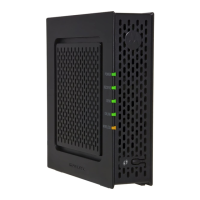
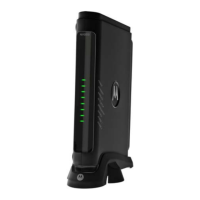
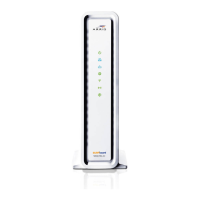
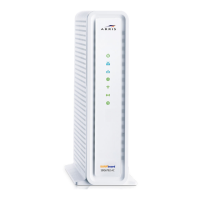
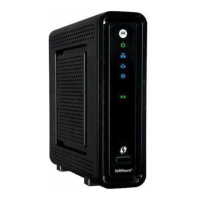
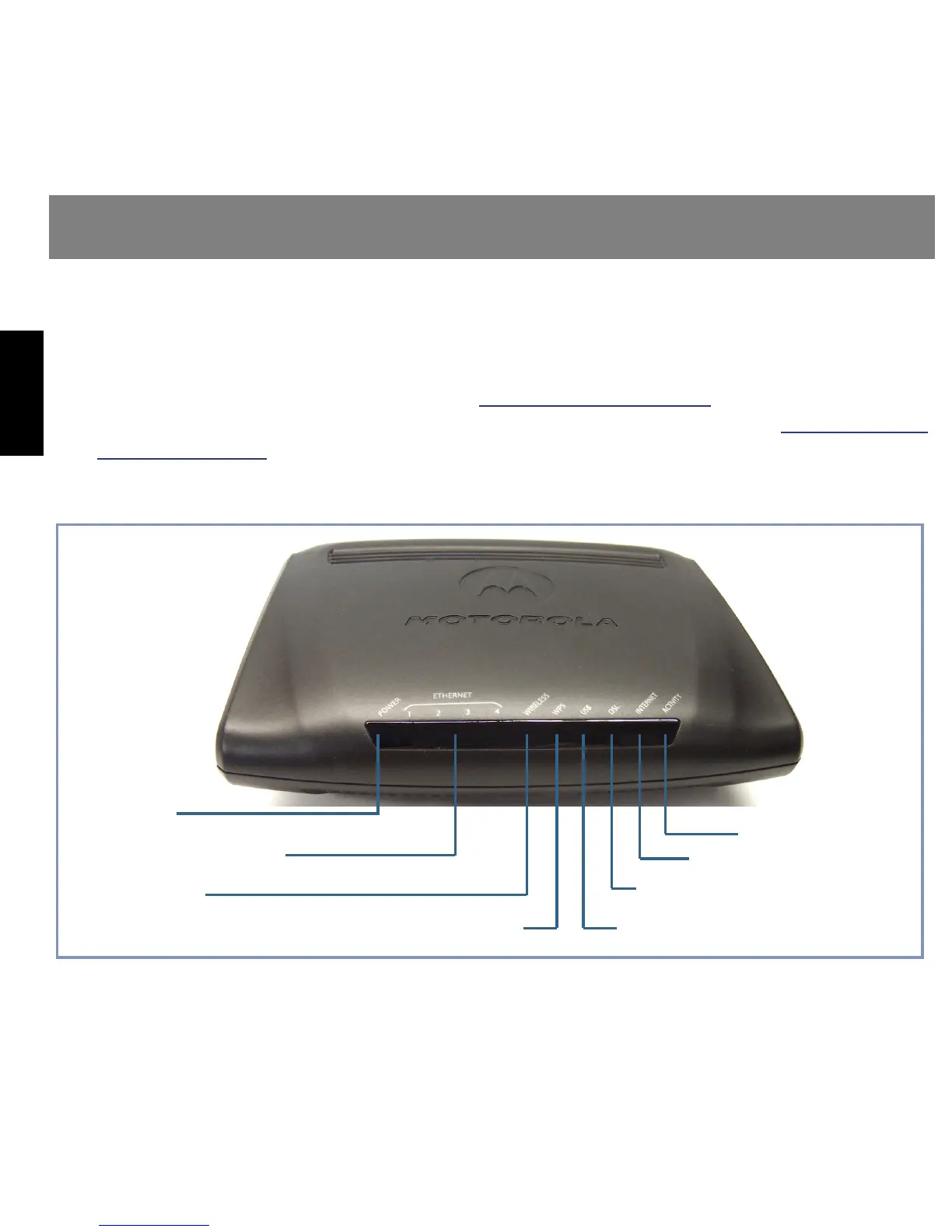
The first step in troubleshooting is to check the status indicator lights (LEDs) in the order out-
lined below.
Basic Troubleshooting
Power
Ethernet 1, 2, 3, 4
Front View
Wireless
Internet
DSL
WPS
USB
Activity


 To Next Page
 Loading...