5
Connecting Your Device
Cabling to a High-Definition TV and an A/V Receiver for Video
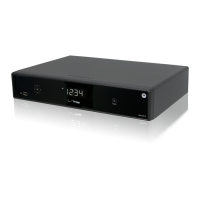
QIP7100 Quick Start Guide
Note: If the A/V receiver includes an HDMI input and output, the QIP7100’s HDMI output can be connected directly to the A/V
receiver’s input and the A/V receiver’s HDMI output directly to the TV. Because HDMI provides both video and audio output, no
additional audio connections to the A/V Receiver and TV are required.


 To Next Page
 Loading...