1 INTRODUCTION
2
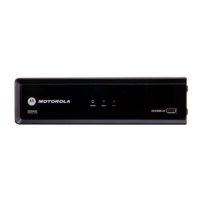
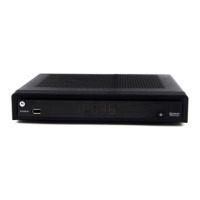
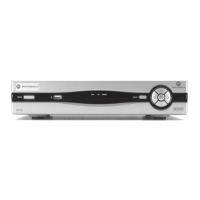
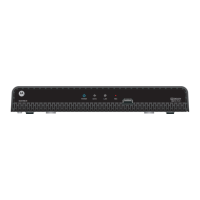
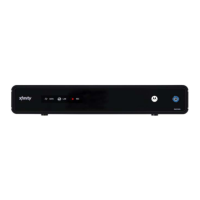
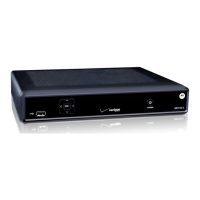
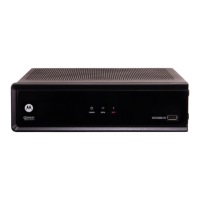
Front Panel
1 Power —LED displays whether the set-top is on or off
(standby)
2 Data — Triple function LED
• Flashes twice per second to indicate unit is booting
• Flashes once per second to indicate unit is
provisioning
• Illuminates to indicate one or more set-top boxes and
or DVR devices are detected on the home network
3 Rec — Unit is in record mode on a home network device
(only available on DCX3200-M model) with MoCA option
4 USB connector


 To Next Page
 Loading...