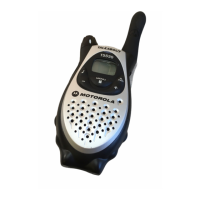
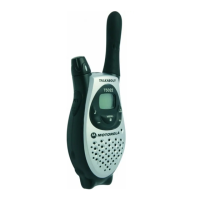
Weather (T5950 Only)
24
Setting the Weather Channel
Your radio receives 8 weather frequencies (see page 17).
1. After turning weather reception on, press . The current channel flashes.
2. Press or to select the channel.
As with two-way radio reception, weather channel reception depends on how
close you are to a transmitter and whether you are indoors or outdoors. Because
weather channels are transmitted without codes, they may contain static or noise.
Turning Keypad Beeps On/Off
Your radio comes with the keypad beeps turned on. To turn them off or
temporarily disable them:
1. Turn off the radio.
2. Press and hold , while turning on the radio.
To turn the keypad beeps on again, repeat steps 1 and 2.


 To Next Page
 Loading...