To Next Page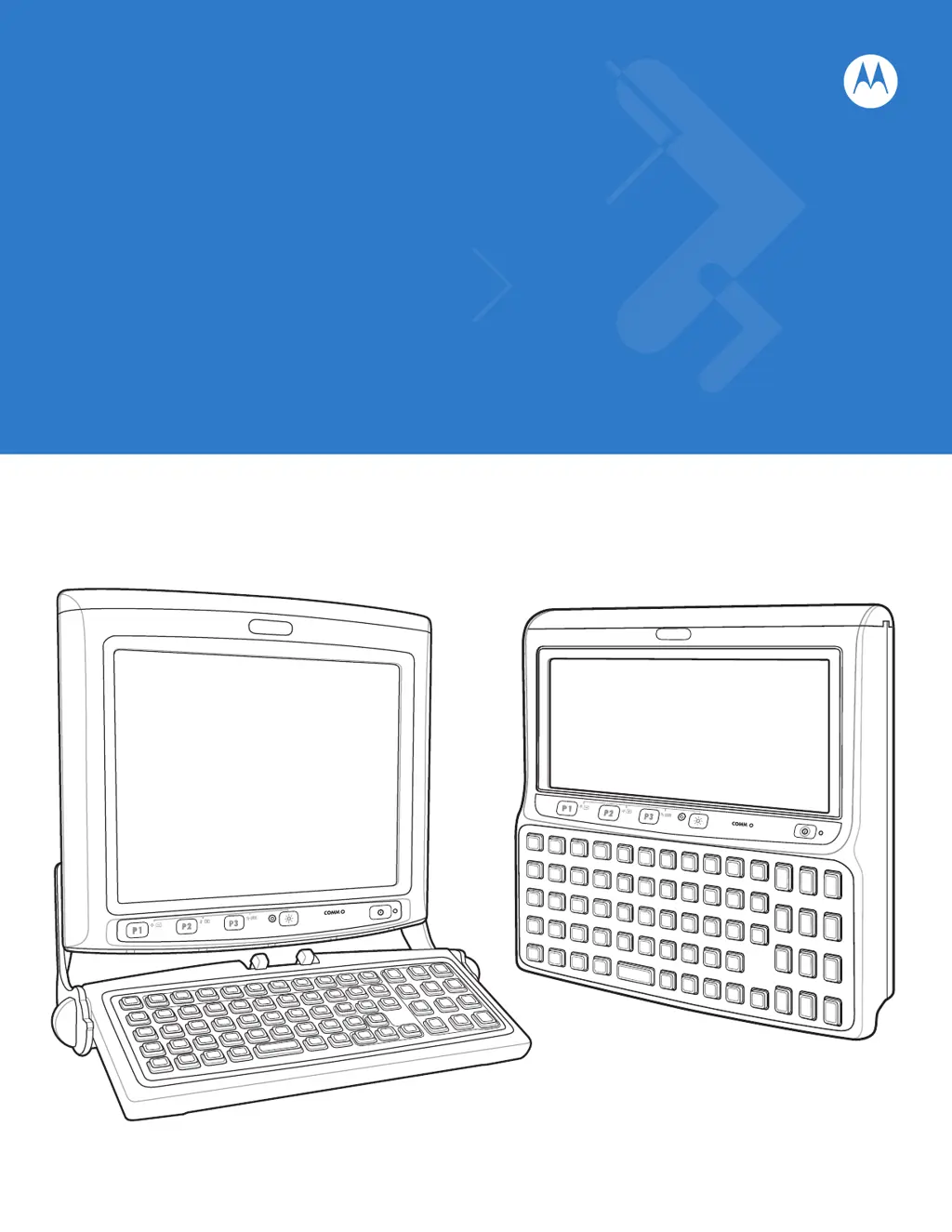

A
Ashley YoungSep 10, 2025
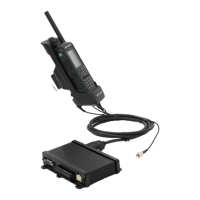
What to do if I cannot see characters on the display of my Motorola VC5090 Automobile Accessories?
- KKarina MitchellSep 10, 2025
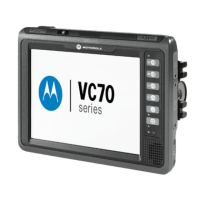
If you cannot see characters on the display of your Motorola Automobile Accessories, first ensure the vehicle computer is powered on by pressing the Power switch on the Quick Access Panel and turning the main power switch on top to the 'on' position. Also, adjust the brightness of the screen. If the vehicle computer is in Suspend mode (Power LED is off), press the Power button on the Quick Access Panel to turn it on. Finally, select Display in the Control Panel settings and adjust the display.
 General