Edit, Share, Download & Delete Photos and Videos 23
en
17.3 Share Photos & Videos
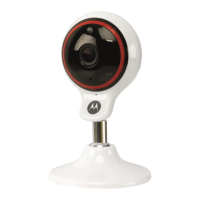
1. Run Hubble Connect for VerveCam
app on
your smartphone.
2. Go to Camera Roll mode .
3. Select a photo or video.
4. Tap .
17.4 Download Photos & Videos from Camera
to smartphone
1. Run Hubble Connect for VerveCam
app on
your smartphone.
2. Go to Camera Roll mode .
3. Select a photo or video.
4. Tap .
17.5 Delete Photos & Videos
1. Run Hubble Connect for VerveCam
app on
your smartphone.
2. Go to Camera Roll mode .
3. Select a photo or video.
4. Tap .


 To Next Page
 Loading...