Edit, Share, Download & Delete Photos and Videos 22
en
17. Edit, Share, Download & Delete
Photos and Videos
17.1 Edit Photo
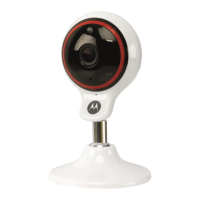
1. Run Hubble Connect for VerveCam
app on
your smartphone.
2. Go to Camera Roll mode .
3. Select a photo.
4. Tap the edit button .
5. Select one of the options to edit the photo:
6. Tap Save.
17.2 Trim Videos
1. Run Hubble Connect for VerveCam
app on
your smartphone.
2. Go to Camera Roll mode .
3. Select a video.
4. Tap the edit button and select the start and
end of the video to trim it.
Crop the photo.
Light: Drag the slider to the right/left
to increase/reduce the overall
brightness of the photo.
Color: Drag the slider to the right/left
to increase/reduce overall color inten-
sity of the photo.
Select a filter for the photo


 To Next Page
 Loading...