Spacer
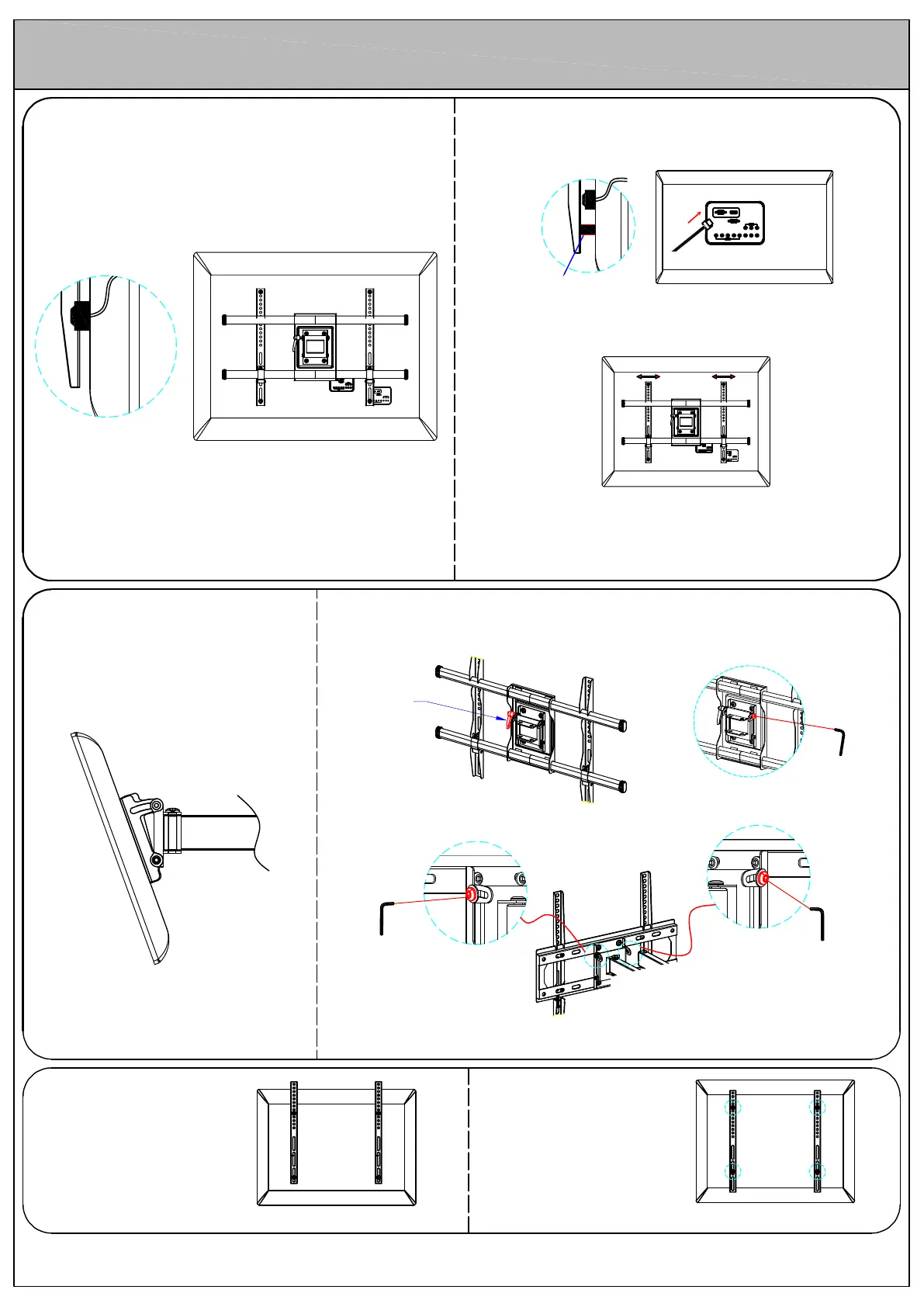
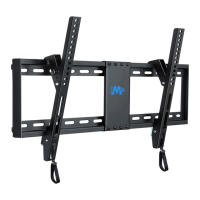
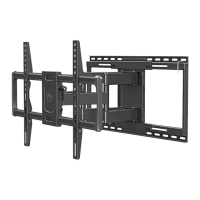
Full-motion wall mount
Case
Cables blocked by mount/brackets
Solution 1
Add spacers between bracket and TV back, plug in cable first
and hang TV then
Solution 2
If VESA less than mount's max line, please move bracket away
from the cables.
Solution 3
If above solutions cannot help, please contact us
with information (TV back pictures, VESA, TV weigh)
for best solution.
Case
TV keeps tilting For MD2296, MD2296-24, MD2295, MD2295-M:
Follow the instruction to make sure handle operation
is correct.
Fasten the screw opposite
to the handle.
Solution 1
Handle
Allen key
For MD2377, MD2377-KT, MD2378, MD2379, MD2380, MD2380-24:
Fasten two bolts in the rear plate with Allen key
Allen key
Allen key
If above solution cannot help, please contact us.
Solution 2
Case
Bracket sticks out of TV.
Move Brackets downward, and
use upper bolt holes to
attach TV.
Solution



 To Next Page