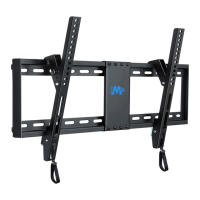
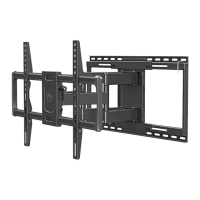
Full-motion wall mount
±3°
±3°
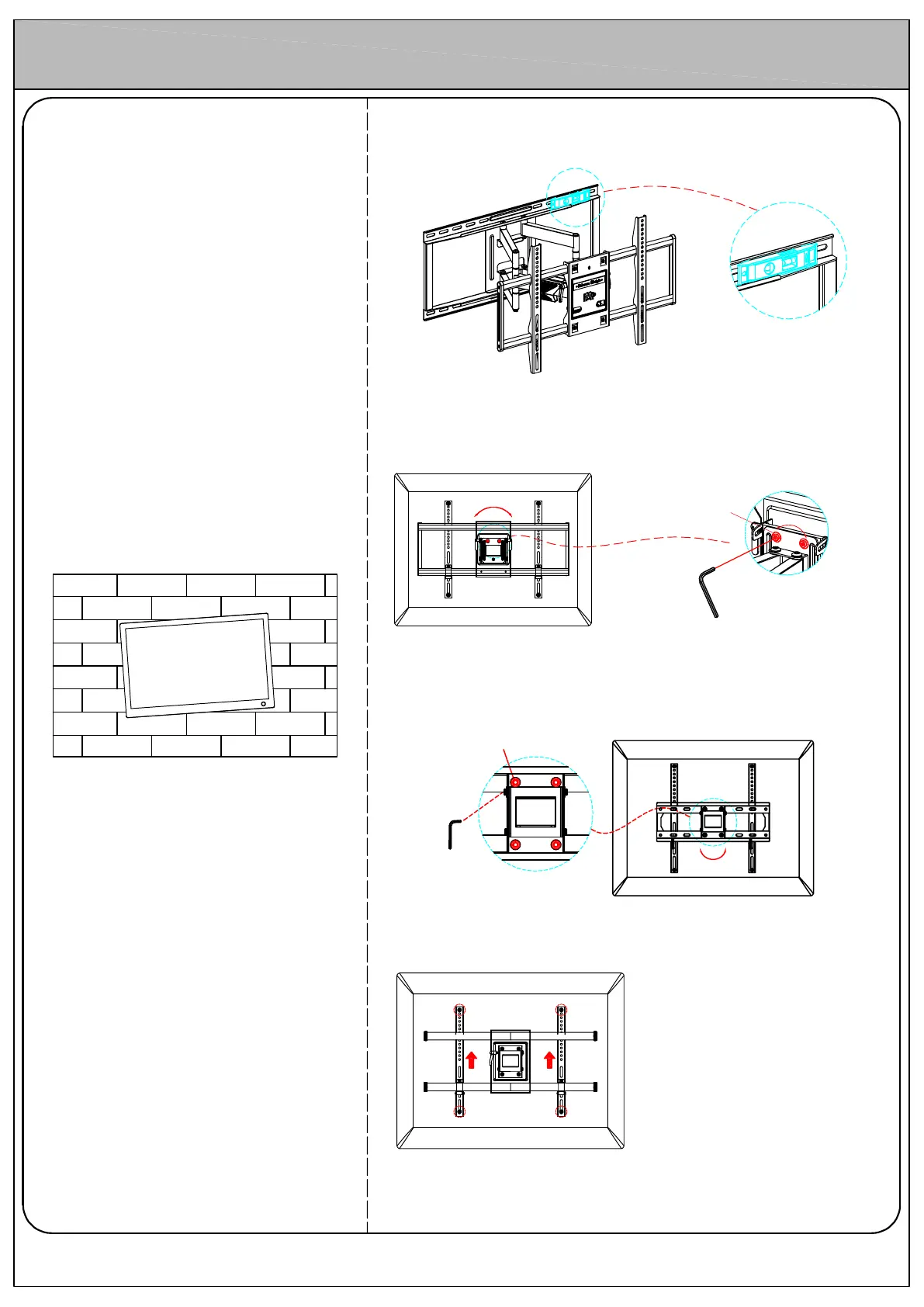
Case
TV not level or out of balance
Solution 1
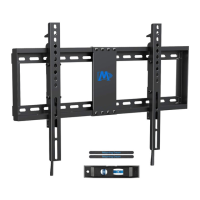
Check if the wall plate is level with provided bubble level. If wall plate not
level, adjust it to level.
Solution 2
Check if the tv plate is level. If tv plate not level, adjust it to level.
For MD2198, MD2285-LA, MD2285-LB, MD2285-XL, MD2298:
Use Allen key (provided in box) to loosen two leveling bolts in the rear TV
plate, hold the TV to adjust to level, and fasten leveling bolts tightly
Solutio
n 3
Use bo
lt holes at same level, and pull bracket upward to reduce the gap
between the hole and bolt, then fasten them finally.
Solutio
n 4
If abov
e solutions cannot help, please contact us.
Allen
key
For MD2377, MD2377-KT, MD2378, MD2379, MD2380, MD2380-24, MD2501,
MD2618:
Use Allen key (provided in box) to loosen four leveling bolts in the rear TV
plate by MAXIMUM 2 turns , hold the TV to adjust to level, and fasten bolts
tightly
±3°
Leveli
ng
bolts
Leveling bolts
Allen key



 To Next Page