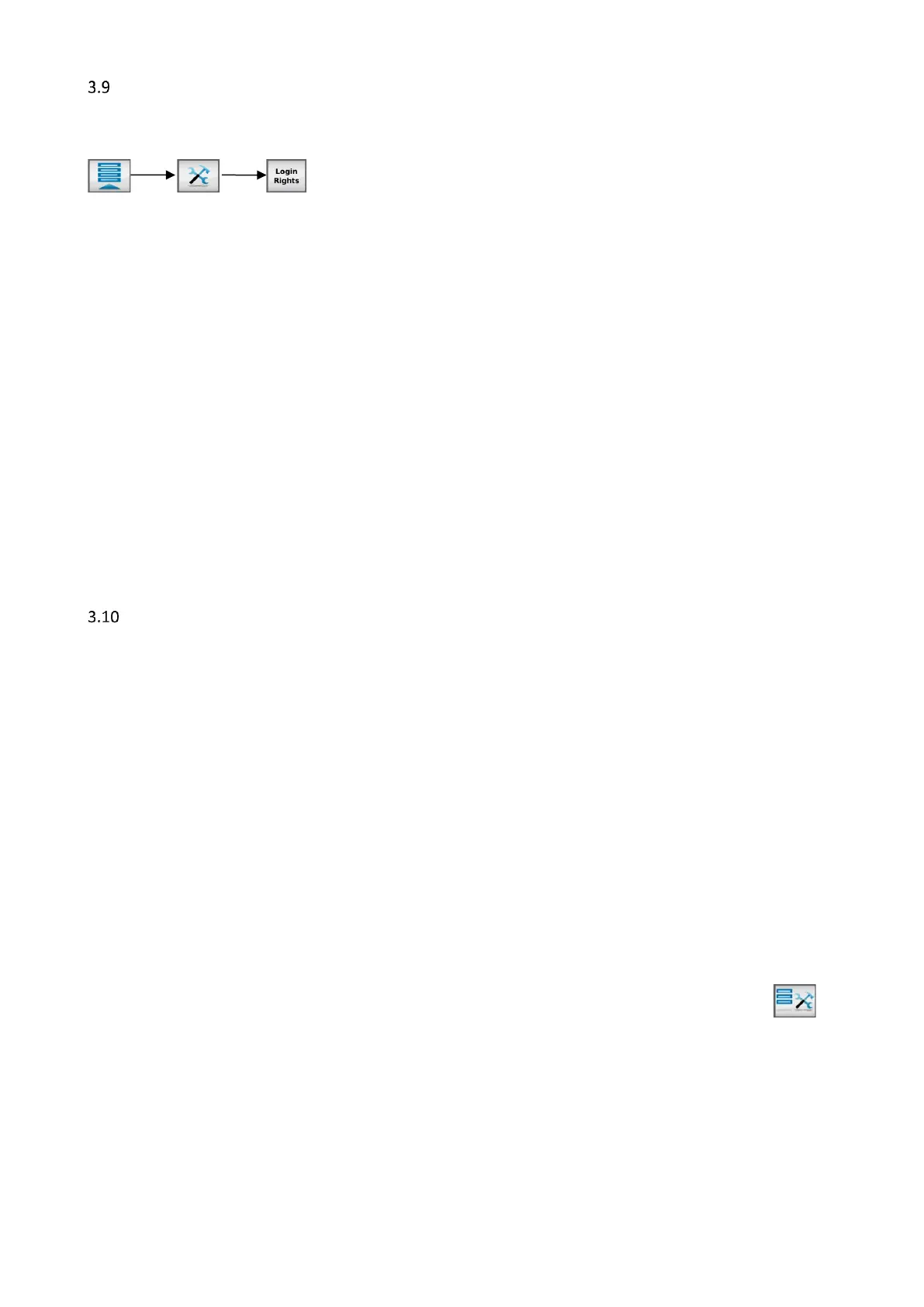
Tools Menu -NEW-
The tools menu can be used to setup, prepare or empty a unit without the need for a supervisor login. By
default, this menu is accessible for every login level, this can be changed in the system configuration menu.
3.9.1 Fill System
On this tab, some changes to the fill system can be made:
(1) Disable filling
This setting can be used to disable the loader of a unit.
(2) Start 1x fill
Switching this button will start the loader to fill the hopper to the set hopper level once.
3.9.2 Prime
On this tab, the dosing unit can be primed after it is filled with new material or when it has run empty.
3.9.3 Purge
On this tab, the purge speed can be set if required. More detailed information about the Purge function can
be found in the corresponding paragraph.
3.9.4 One Shot
Only accessible by supervisor or higher login level. Production mode should be INJ – Timer.
A single shot can be dosed via this tab, the production settings from the production screen are used. Also the
actual values (RPM and Dosing time) are displayed when this mode is activated.
Purge function -NEW-
For most injection molding processes it is required to purge the machine barrel before production start. In
case of a big barrel size related to the shot weight, it is required to purge with already colored material.
With this purging function the dosing motor of the MCBalance can be started at a pre-set speed as long as
the purge signal from the Injection Molding Machine is active.
Be aware of the following remarks:
• Material dosed during purge is not counted by the MCTC consumption counters.
• The purge function is using VOLUMETRIC mode. There is no feedback on dosed amount of material.
• The speed of the dosing tool is set by the user, the user is responsible for entering the right RPM of
the dosing tool used during purge.
• The right mix ratio of the end mix during purging cannot be guaranteed by Movacolor.
Two types of purging are available:
1) Purging via Tools menu screen
This mode can be used to purge at any time by activating the purge mode through the Tools menu .
Purging can be started with a purge signal (connected to INP-3) or the normal “start dosing” or “screw
active” signal.
2) Purging when unit is “ON”
This mode can be used In cases where the MCTC is not stopped in between two production runs, purging can
be started in between two Injection molding cycles. Therefore a separate signal is required to start the
purging (connected to INP-3), the so called “purge signal”
This functionality requires service settings to be changed. Contact your distributor or Movacolor representative for more info.


 To Next Page