6
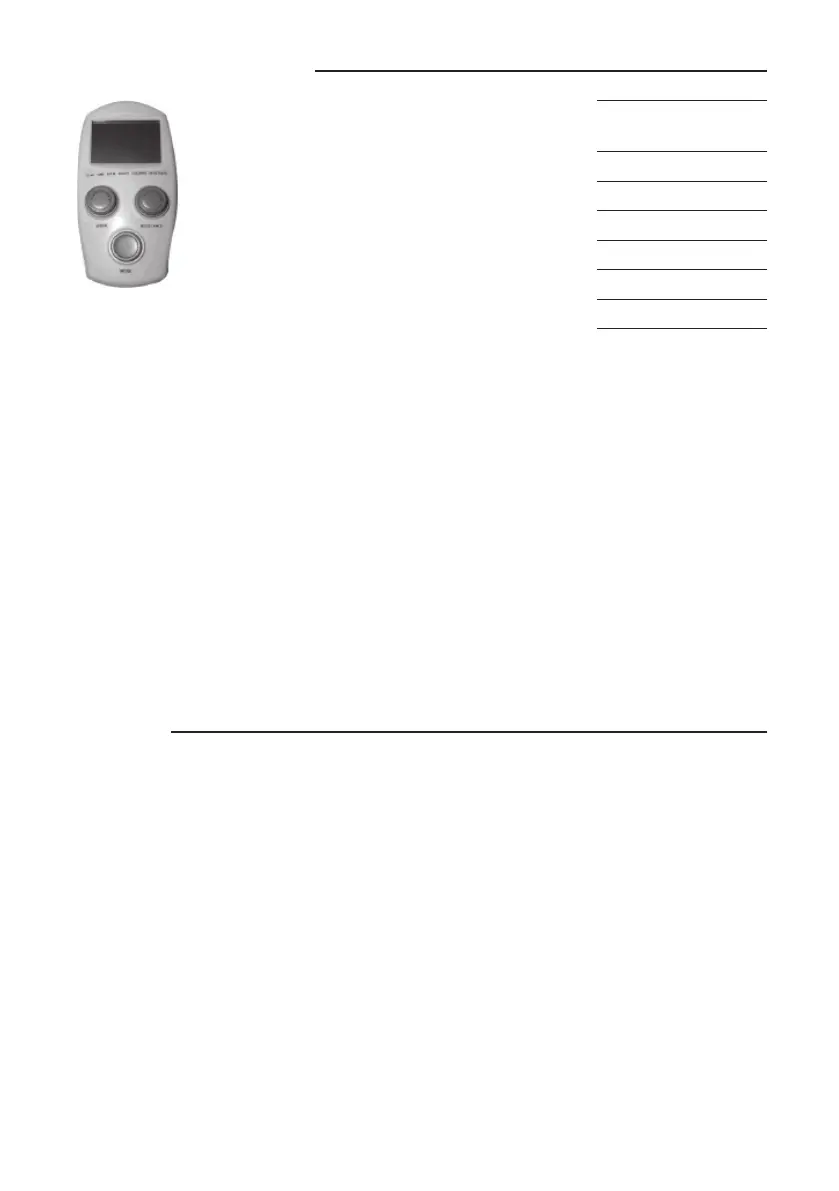
MODE button
Press MODE button to select function display.
SPEED control knob - PASSIVE
Turn knob clockwise to increase speed. Make sure
the speed control knob is set to o position before
turning the resistance control knob.
RESISTANCE control knob - ACTIVE
Turn knob clockwise to increase resistance. Make
sure the resistance control knob is set to o (0 level)
position before turning the speed control knob.
DISPLAY FUNCTION:
SCAN: Displays each function for 6 seconds.
TIME: Displays the time remaining or the time elapsed in your workout. You may also set ex-
ercise time for your workout. Press MODE button to select TIME function and then press and
hold MODE button for 2 seconds, TIME will ash for setting exercise time. Press MODE but-
ton to set exercise time. Each increment is 1 minute. The set exercise time range is from
5:00 to 30:00 minutes. Once you set exercise time and then start to exercise with the motor
assisting, time starts counting down from the set exercise time to 0:00 per 1 second backward. Once
you reach set value, controller will alarm for 5 seconds and pedals will stop to revolve automatically.
The STOP sign will appear and ash on the screen of the controller. Press MODE button once, the
STOP sign will stop ashing, and then you can start to pedal again.
RPM: Displays the current pedal RPM (Revolutions per Minute).
COUNT: One count for each pedal revolution.
CALORIES: Estimated calories burn during exercise.
RESISTANCE: When using the OxyCycle 3 Pedal Exerciser with the active mode, the amount of resis-
tance can be adjusted by turning the resistance control knob on the controller. The resistance levels
vary from level 0 to 5.
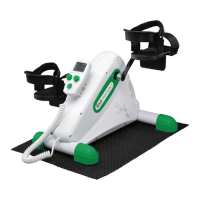
How to use your OxyCycle 3 Pedal Exerciser
The OxyCycle 3 Pedal Exerciser can only be used after the power cord is plugged into the electrical
outlet. Do NOT use the OxyCycle 3 Pedal Exerciser without the power plugged in as this will damage
the equipment.
When using the OxyCycle 3 Pedal Exerciser in active mode, you can start exercising after setting the
desired resistance level by using the resistance control knob. Make sure the resistance level is turned
to 0 before turning the speed control knob.
When using the OxyCycle 3 Pedal Exerciser in passive mode (with motor assistance), you should
set the desired speed by using the speed control knob. Following that speed will provide the best
results.
Pedaling at excessive speed or applying excessive force will activate the overload protection
circuitry to stop the motor, allowing the user to retract feet/hands. The motor will turn o for 2-3
seconds and then turn on again automatically. If the motor overload situation persists (motor turns
o and then turns on) for 10 times, the motor will stop working completely, which may cause motor
damage. The STOP sign will ash on the controller and it will alarm for 8 seconds. Turn the speed
knob o. After turning it back on, it will start again. Make sure the speed knob is turned o before
turning the resistance knob. If it doesn’t start again, put SPEED and RESISTANCE to “zero” and unplug
the power cord. Wait at least 30 seconds before plugging it.
Operating the Controller
Workout
LEVEL
RPM
0 0 (STOP)
1 25 ~ 30
2 35 ~ 40
3 45 ~ 50
4 55 ~ 60
5 65 ~ 70


 To Next Page
 Loading...