8
Getting Started
Power on/off: Long press the power button 3 seconds.
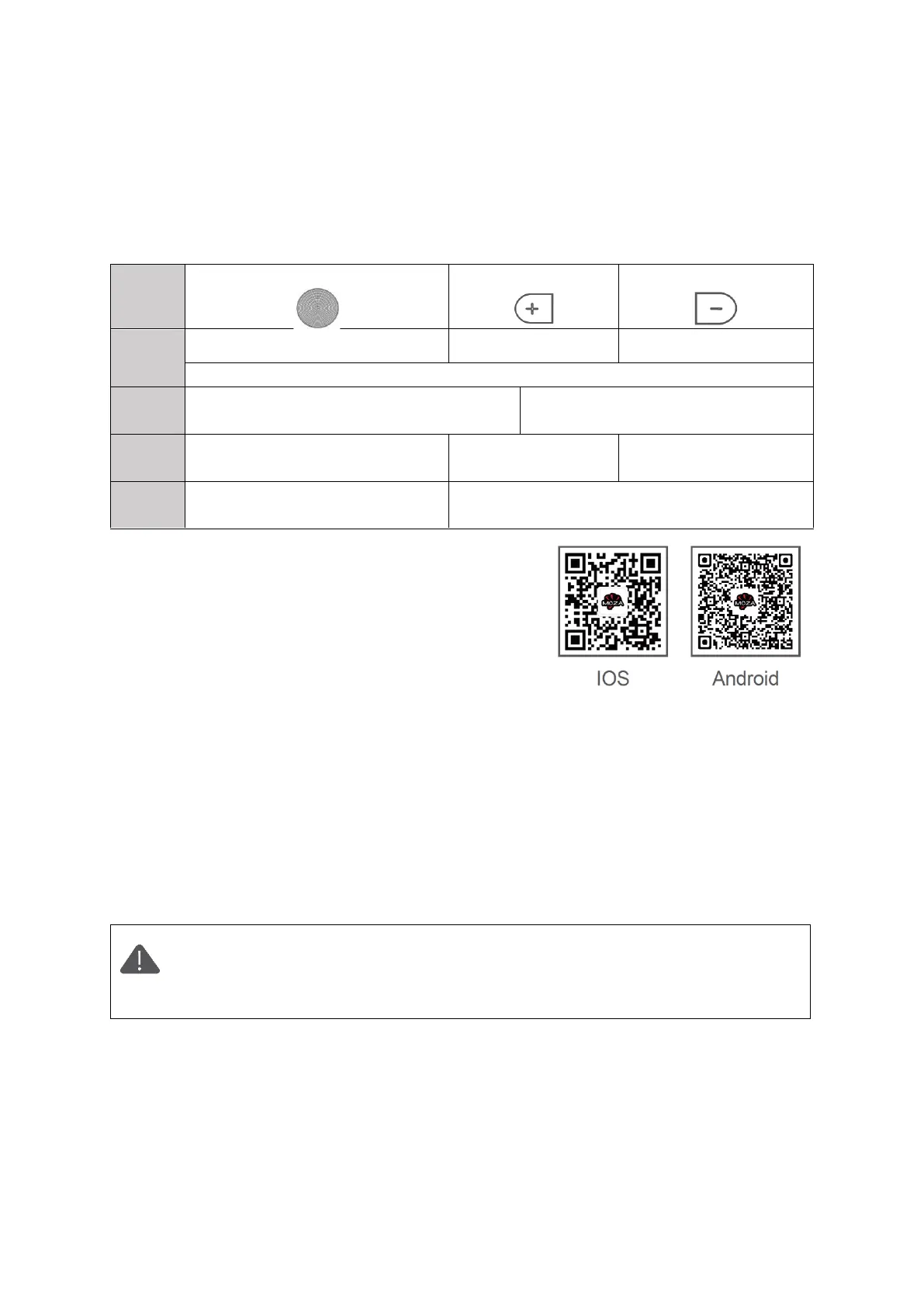
Button Operations
To reset, click all three buttons at the same time. (White Light will blink )
Up (+) /Down (-)
From green to blue, then to green
Reset + Turn Off (Blinking red)
App Download
Scan the QR code below or search in the App Store to
download the MOZA Master App.
Device Connection (Wireless)
Download the "MOZA Master" App.
a. Turn on the Slypod PRO and mobile phone Bluetooth.
b. Launch the "MOZA Master", select the device to connect.
c. Enter the operation interface after connection is completed.
App Operation
Before the first operation, it is required to setup the SLYPOD PRO according to
the instructions. Please use the latest App version. For App updates, please
check our official website and App store. When the SLYPOD PRO is controlled
by the App, buttons will be disabled. (Except for the power button).


 To Next Page