9
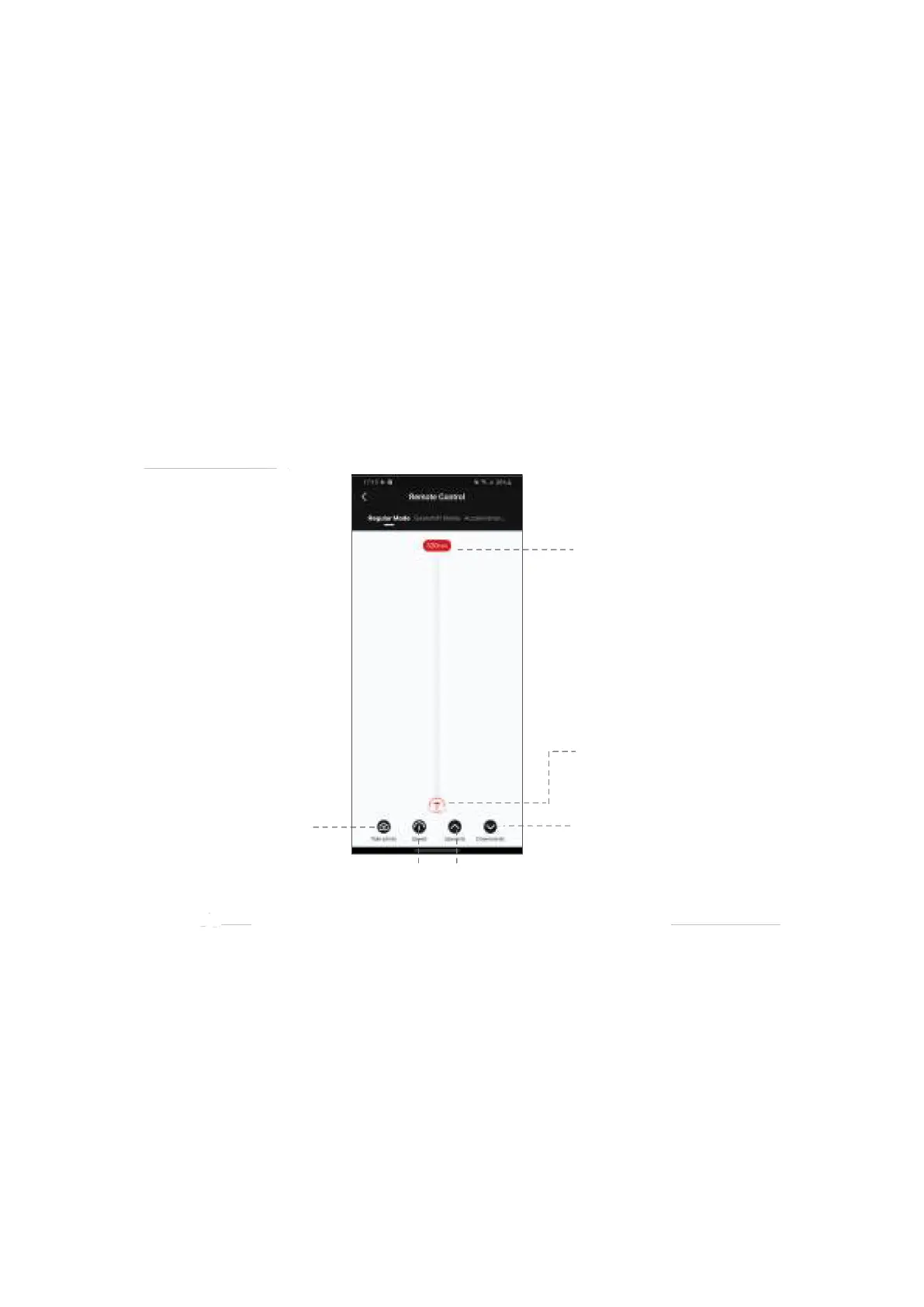
Regular Mode
Slide the red operating point from the starting point to any position, the SLYPOD PRO
will move accordingly. Release the operating point, the SLYPOD PRO will stop moving.
Long tap the “Downwards” or “Upwards” icon, the SLYPOD PRO will automatically move
up or down. Tap the “Downwards” or “Upwards” icon again to stop the movement. Tap
the ‘Take photo’ icon, and SLYPOD PRO will control the camera to take a photo. (Please
make sure your SLYPOD PRO is connected with the camera control cable, the camera
control cable needs to be purchased separately). Speed Setting: Click Speed icon to set
the speed, and the SLYPOD PRO will move according to the set speed.


 To Next Page