4. Do not insert other objects into the SD Card/MMC inserting hole,
except for SD and MMC.
5. Pay attention not to use the device or leave it alone in places with high
temperature and humidity or of high thermal difference, and by the
strong magnetic body.
6. Remember that liquid (water, beverage etc.) not leaked into the device.
7. The device that you discretionary disassembled or remodeled can not
be provided with a free service and can be excluded from the service
areas, so pay special attention to this.
8. The company does not take the responsibility for data loss cased by
the defect of the product, misoperation and other reasons, so pay
attention to this.
9. Check the polarity (+,-) of the battery when you use a battery.
10. Try not to injure you nail or not to be scratched by the edges when
you open the battery cover.
11. Remove the battery when not in use. Leakage of battery might cause
a trouble.
12. Pay attention not to use the earphone continuously for many hours
that might cause a trouble.
13. Please plug or unplug the earphone and cable by holding the plugs
not by pulling out the earphone or cable, to prevent internal line
breaking.
14. When you plug the USB cable into the computer or device, please
check again the direction of plugging it. In case the USB cable is
plugged in the wrong way, the computer or the device might suffer
trouble/damage.
15. Do not leave the USB cable plugged into the computer.
16. Do not give an impact to the connected part while the USB cable is
connected to the device.
17. Remember not to leave USB cable to be connected to the device and
the computer
18. Maintain and keep clean the USB connection of the device.
19. When the device is covered with foreign particles, please wipe off it
with soft cloth or clean towel and be careful not to use chemicals.
English
11
English
10
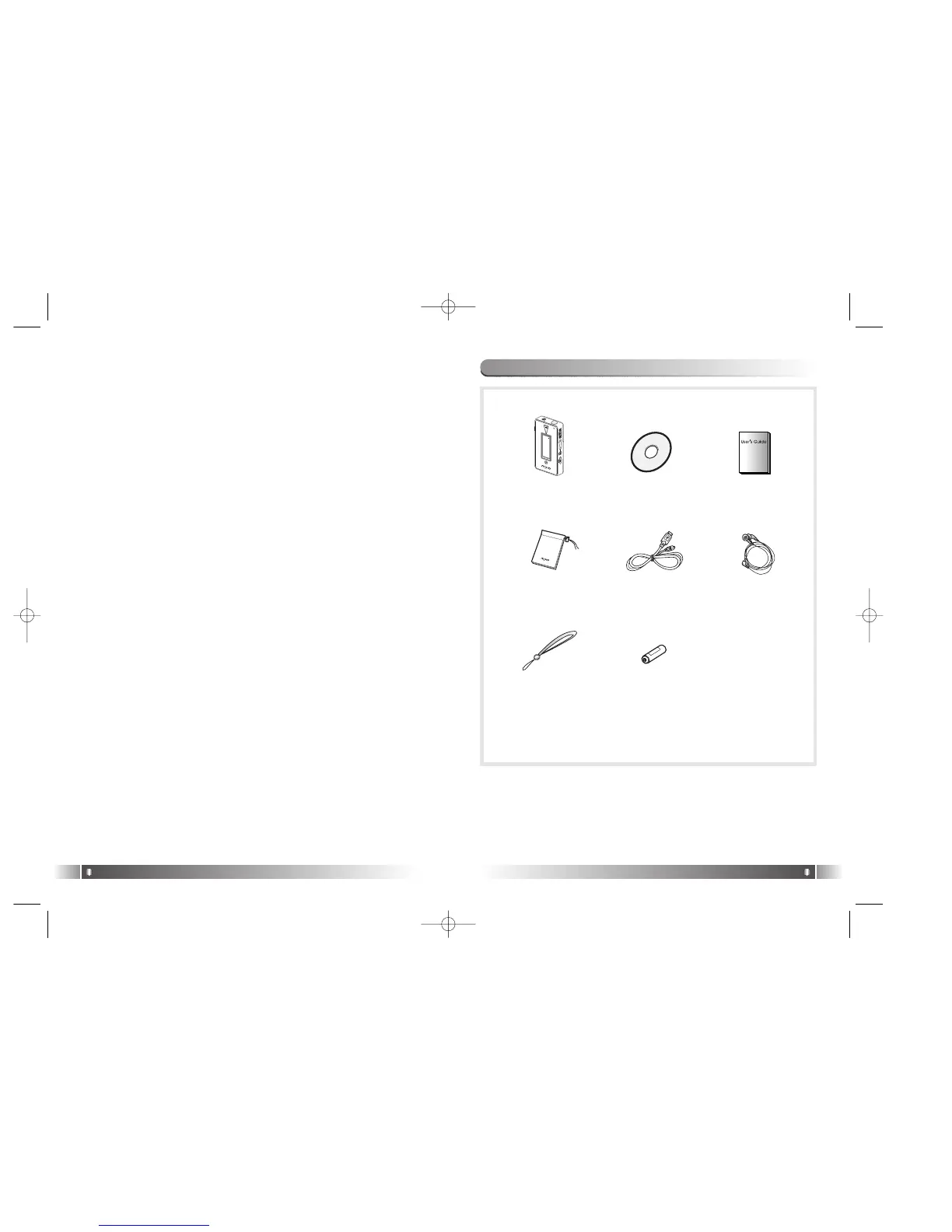
6. Accessories Included with your MPIO FL100
Main Body User’s GuideProduct
Installation CD
Pocket EarphoneUSB Cable
Wrist Strap Battery
FL100-Eng-EU1 12/5/96 3:20 PM Page 10



 To Next Page