MPIO Function
2
English
17
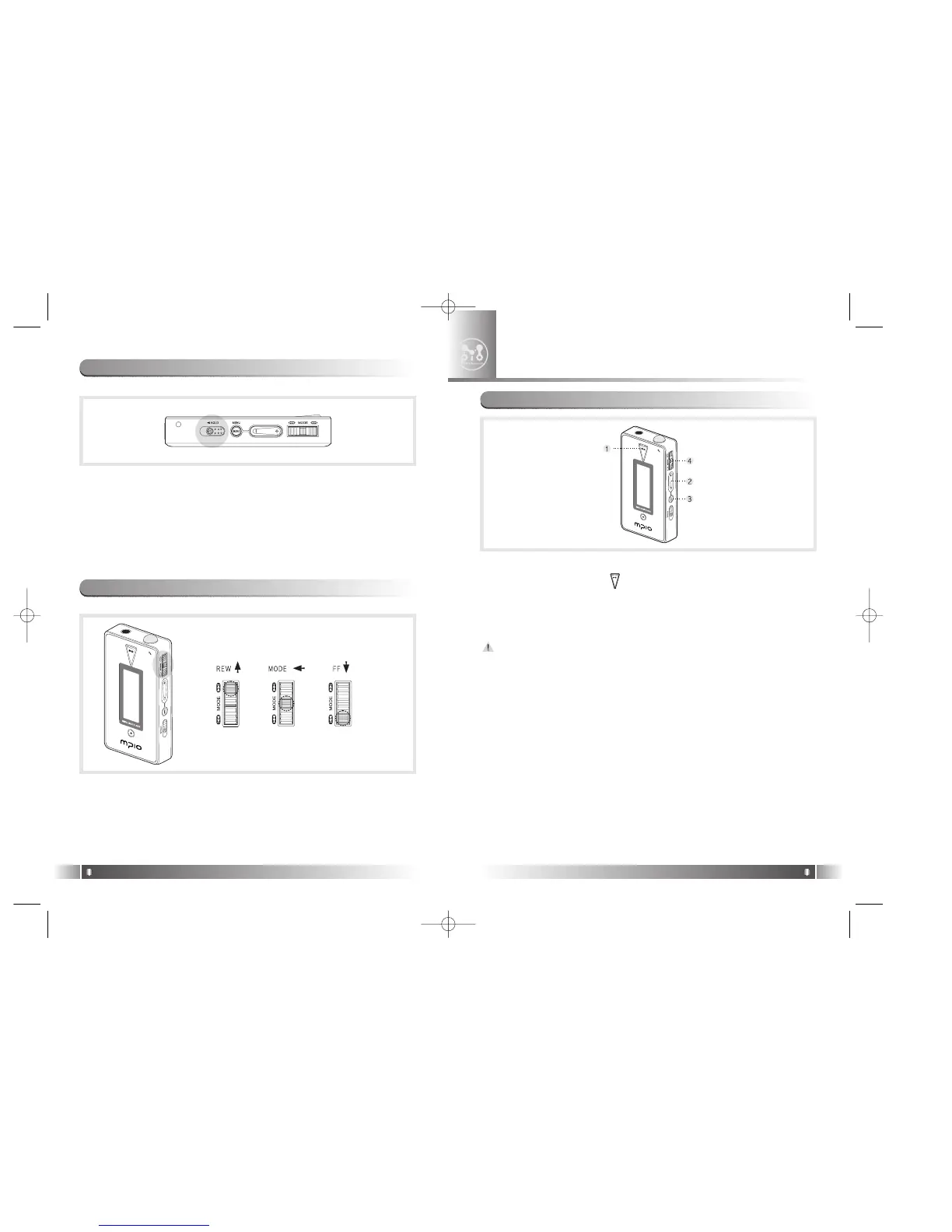
* If you push the Hold Slide to the direction of the arrow, it will be
changed into the locking status, not reacting to the button press. It
prevents misoperation of the button while carrying the player with
you. You can unlock the device by pushing the Hold Slide in the
opposite direction of the arrow.
* If you press a button on the device in the locking status, 'KEY HOLD'
message will appear.
10. How to use Hold Slide
English
16
* Move the Joy Stick Key up/down, the music change and FF/REW
function begin to work.
* Put the Joy Stick Key in the center and press it for a while, and the
menu setup function is activated.
11. How to use Joy Stick Key
1. Power ON/OFF
- If you press the button ( ) for long, the power is ON/OFF.
2. Volume Control
- To turn up the volume: + button
- To turn down the volume: - button
If you press the Volume button for long, the volume will rise and fall
rapidly.
3. Playback/FM Mode Switch
1) Convert the Playback Mode into FM Mode
- Press the Menu button for long in the Playback Mode.
2) Convert the FM Mode into Playback Mode.
- Press the Menu button for long in the FM Mode.
4. Enter to the Power Menu
- Put the Joy Stick Key in the center in Playback/FM Mode and press
for a while.
* Power menu includes the Return Item in each step. Select the
Return Item in the Menu, and you will move to the upper item.
* Press the Menu Button in the Menu shortly, and the Power Menu is
closed and it is changed to Playback/FM Mode. .
1. Basic Function
FL100-Eng-EU1 12/5/96 3:20 PM Page 16



 To Next Page